
All Games
The Sims 4 Discover University System Requirements
November 15, 2019Maxis
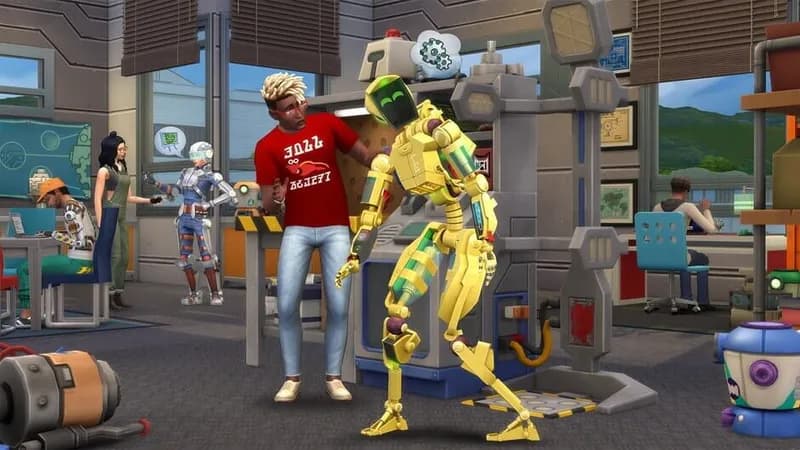
The Sims 4: Discover University expansion lets your Sims pursue higher education, choosing from new career paths like engineering, education, and law. Balance academic rigor with extracurricular activities, from robotics to pranks, while striving for good grades and school spirit.
The Sims 4 Discover University Minimum & Recommended Specs
Minimum: 1.8 GHz Intel, 128 MB of, 4 GB RAM. Recommended: 8 GB RAM RAM.
Minimum System Requirements
| OS | 64 Bit Required. Windows 7 (SP1), Windows 8, Windows 8.1, or Windows 10 |
| Processor | 1.8 GHz Intel Core 2 Duo, AMD Athlon 64 Dual-Core 4000+ or equivalent (For computers using built-in graphics chipsets, the game requires 2.0 GHz Intel Core 2 Duo, 2.0 GHz AMD Turion 64 X2 TL-62 or equivalent)CPU Deals |
| RAM | 4 GB RAMRAM Deals |
| Graphics Card | 128 MB of Video RAM: NVIDIA GeForce 6600 or better, ATI Radeon X1300 or better, Intel GMA X4500 or betterGPU Deals |
| DirectX | DirectX 9.0c compatible |
| Storage | 15 GB available spaceSSD Deals |
Recommended System Requirements
Gameplay Trailer
Quick Performance Tips for The Sims 4 Discover University
#1
Lower graphics settings for smoother gameplay.
#2
Close unnecessary background programs.
#3
Upgrade your RAM if possible.
#4
Consider upgrading your GPU for better performance.
The Sims 4 Discover University System Requirements FAQ
Can I run The Sims 4 Discover University on a low-end PC?
Yes, but you'll need at least a 1.8 GHz Intel Core 2 Duo or AMD Athlon 64 Dual-Core 4000+ processor, 4 GB of RAM, and a NVIDIA GeForce 6600, ATI Radeon X1300, or Intel GMA X4500 graphics card with 128 MB of VRAM. Expect lower graphics settings and performance.
What GPU do I need for The Sims 4 Discover University?
At a minimum, you'll need an NVIDIA GeForce 6600, ATI Radeon X1300, or Intel GMA X4500 with 128 MB of VRAM. For a better experience, an NVIDIA GTX 650 or better is recommended.
How much RAM does The Sims 4 Discover University need?
The minimum RAM requirement is 4 GB, but 8 GB of RAM is recommended for smoother gameplay, especially with larger households or lots of custom content.
Will The Sims 4 Discover University run on integrated graphics?
Yes, but performance may be limited. You'll need at least an Intel GMA X4500 or better, and the processor requirement increases to a 2.0 GHz Intel Core 2 Duo or 2.0 GHz AMD Turion 64 X2 TL-62 or equivalent. Expect lower graphics settings.
What is the best graphics settings for The Sims 4 Discover University?
The optimal settings depend on your hardware. If you meet the recommended specs, you can likely play on high settings. If you meet the minimum specs, start with medium or low settings and adjust until you find a balance between visual quality and performance.

The Sims 4 Discover University Game Info
Developer
Maxis
Publisher
Electronic Arts
Release Date
November 15, 2019
Platforms
Xbox Series X|S, PlayStation 4, PC (Microsoft Windows), PlayStation 5, Mac
Genres
Role-playing (RPG)SimulatorAdventure
Game Modes
- Single player
The Sims 4 Discover University Screenshots









Optimize Your PC for The Sims 4 Discover University
Use our free tools to analyze and improve your gaming performance