
The Sims 4 Parenthood System Requirements
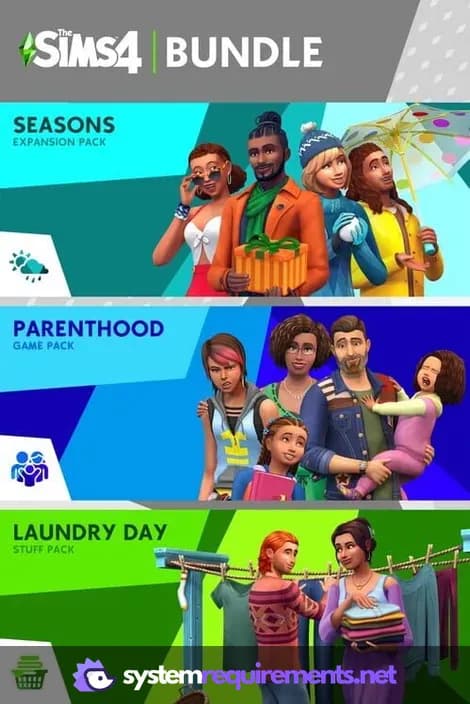
Influence the next generation by raising children in The Sims 4: Parenthood. Guide your Sims' offspring through childhood and adolescence, teaching them values and managing their behavior to affect their adult lives. New family-focused activities and household customization options are also included.
The Sims 4 Parenthood Minimum & Recommended Specs
Minimum: 1.8 GHz Intel, 128 MB of, 4 GB RAM. Recommended: 8 GB RAM RAM.
Minimum System Requirements
| OS | 64 Bit Windows 7, 8, 8.1 or 10 |
| Processor | 1.8 GHz Intel Core 2 Duo, AMD Athlon 64 Dual-Core 4000+ or equivalentCPU Deals |
| RAM | 4 GB RAMRAM Deals |
| Graphics Card | 128 MB of Video RAM: NVIDIA GeForce 6600, ATI Radeon X1300, or Intel GMA X4500GPU Deals |
| DirectX | DirectX 9.0c compatible |
| Storage | 17 GB Hard Drive spaceSSD Deals |
Recommended System Requirements
Gameplay Trailer
Quick Performance Tips for The Sims 4 Parenthood
Lower graphics settings for better performance.
Close background apps to free up RAM.
Limit the number of Sims in your household.
Disable laptop mode if plugged in for more power.
The Sims 4 Parenthood System Requirements FAQ
Can I run The Sims 4 Parenthood on a low-end PC?
What GPU do I need for The Sims 4 Parenthood?
How much RAM does The Sims 4 Parenthood need?
Will The Sims 4 Parenthood run on integrated graphics?
What is the best graphics settings for The Sims 4 Parenthood?

The Sims 4 Parenthood Game Info
Developer
Maxis
Publisher
Electronic Arts
Release Date
May 30, 2017
Platforms
Xbox Series X|S, PlayStation 4, PC (Microsoft Windows), PlayStation 5, Mac
Genres
Game Modes
- Single player
The Sims 4 Parenthood Screenshots









Optimize Your PC for The Sims 4 Parenthood
Use our free tools to analyze and improve your gaming performance