
All Games
Titan Quest: Eternal Embers System Requirements
December 3, 2021THQ Nordic85/100
Following the Telkine's demise, a demonic invasion overwhelms the East, compelling the Hero to answer Emperor Yao's call. Prepare to confront this new menace plaguing the land.
Titan Quest: Eternal Embers Minimum & Recommended Specs
Minimum: 2.0 GHz, DirectX 11 compatible, 2 GB RAM. Recommended: 4 GB RAM RAM.
Minimum System Requirements
Recommended System Requirements
Trailer
Quick Performance Tips for Titan Quest: Eternal Embers
#1
Close unnecessary background apps.
#2
Lower shadow quality for a FPS boost.
#3
Reduce texture detail if lagging.
#4
Update your graphics drivers.
Titan Quest: Eternal Embers System Requirements FAQ
Can I run Titan Quest: Eternal Embers on a low-end PC?
If your PC meets the minimum requirements (2.0 GHz CPU, DirectX 11 compatible graphics card with 1GB VRAM, and 2GB RAM), you should be able to play Eternal Embers, but likely at lower settings and resolutions. Performance may vary.
What GPU do I need for Titan Quest: Eternal Embers?
At a minimum, you'll need a DirectX 11 compatible graphics card with at least 1GB of VRAM. For better performance, especially at higher settings, a card with 2GB VRAM is recommended.
How much RAM does Titan Quest: Eternal Embers need?
The game requires a minimum of 2GB of RAM to run. However, 4GB of RAM is recommended for a smoother experience, especially with higher settings and larger areas.
Will Titan Quest: Eternal Embers run on integrated graphics?
While it *might* run on some integrated graphics solutions, performance will likely be poor and unstable. A dedicated graphics card meeting the minimum requirements is strongly recommended for a playable experience.
What is the best graphics settings for Titan Quest: Eternal Embers?
The 'best' settings depend on your hardware. Start with medium settings and adjust upwards if your frame rate is consistently high. Lowering shadow quality and texture detail can significantly improve performance on lower-end systems.
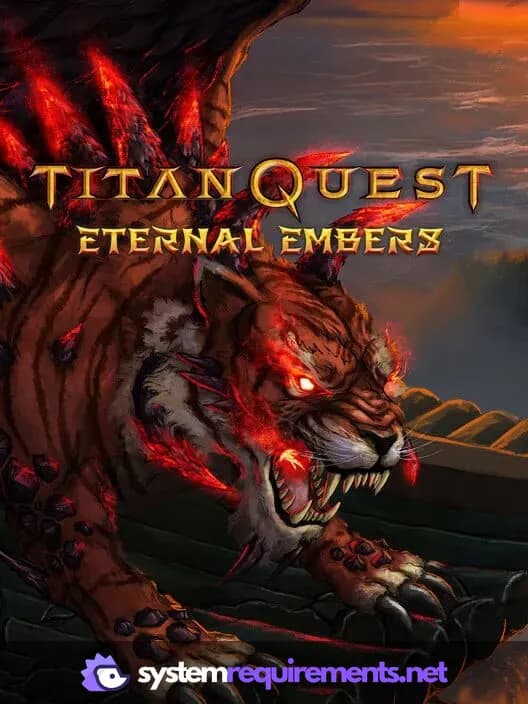
Titan Quest: Eternal Embers Game Info
Developer
THQ Nordic
Publisher
THQ Nordic
Release Date
December 3, 2021
Platforms
PC (Microsoft Windows)
Genres
Role-playing (RPG)Hack and slash/Beat 'em up
Game Modes
- Single player
- Multiplayer
- Co-operative
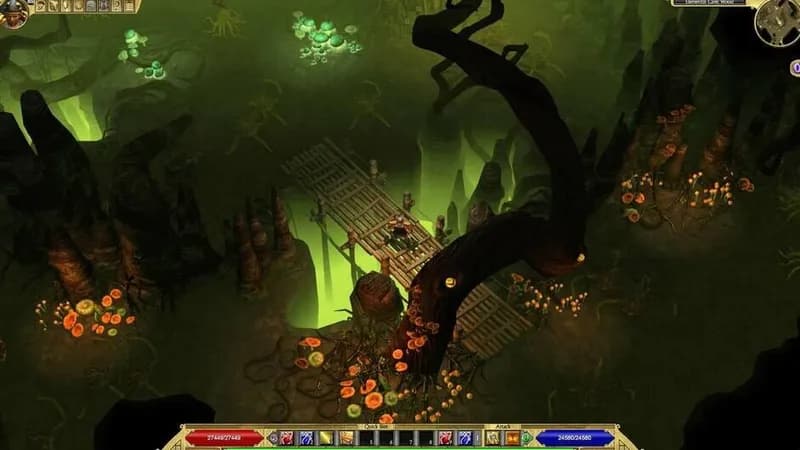
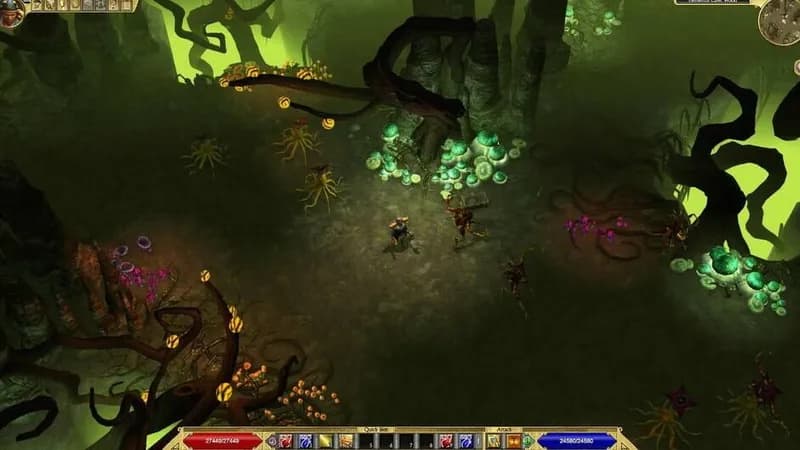
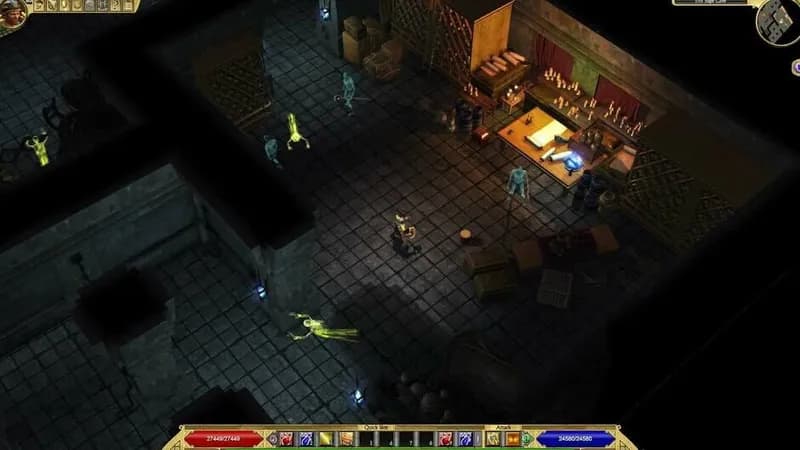
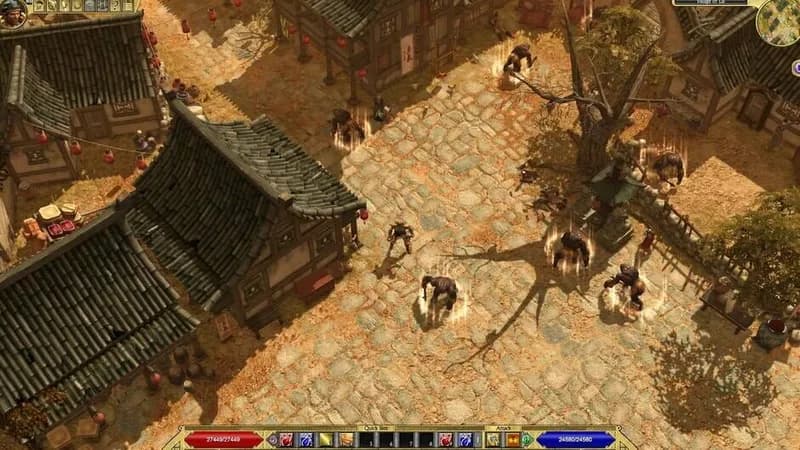
Titan Quest: Eternal Embers Screenshots
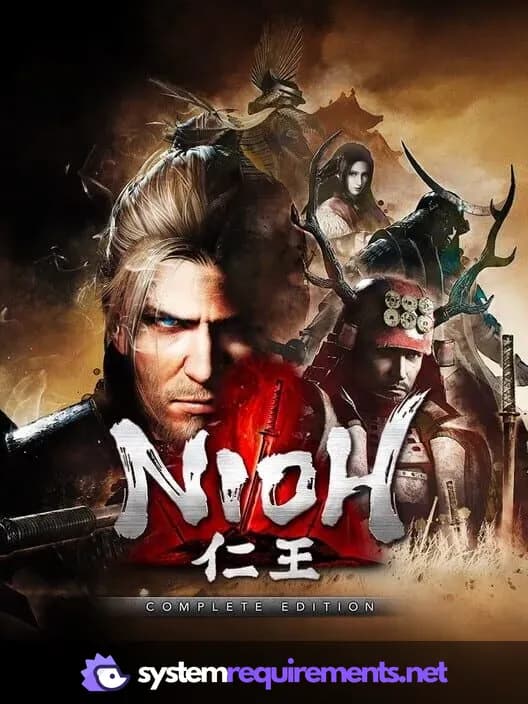
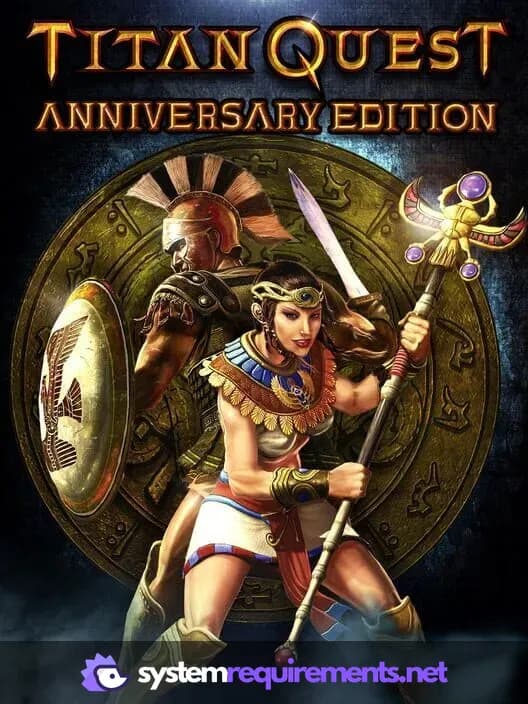
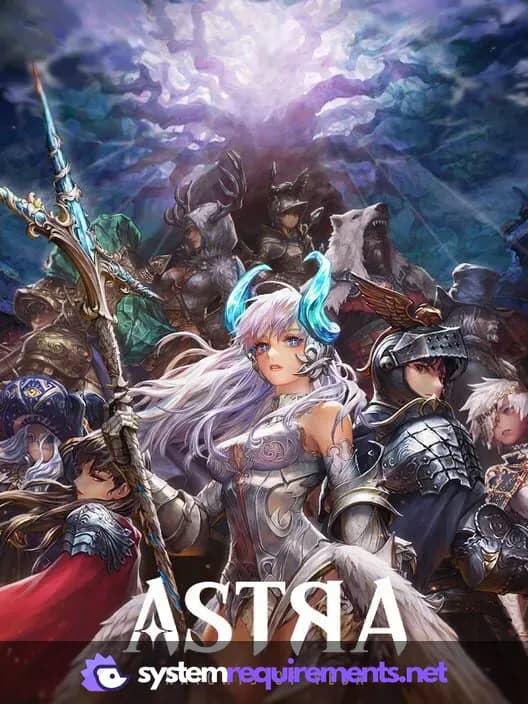
Games Similar to Titan Quest: Eternal Embers

Optimize Your PC for Titan Quest: Eternal Embers
Use our free tools to analyze and improve your gaming performance