
All Games
Tower! Simulator 3 System Requirements
December 13, 2022FeelThere
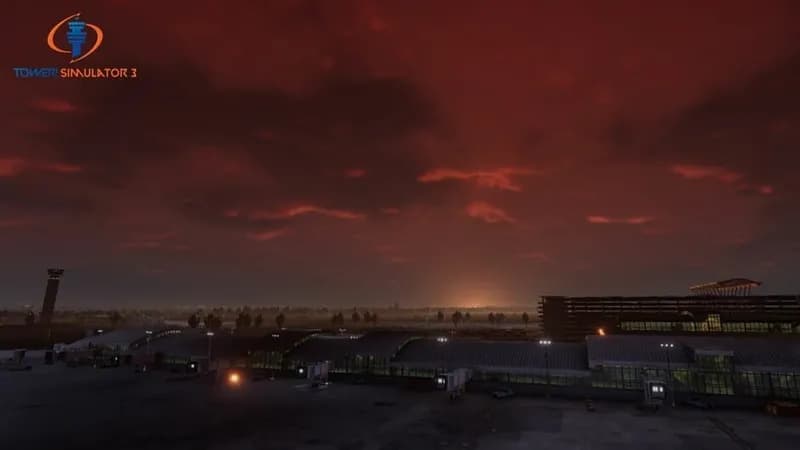
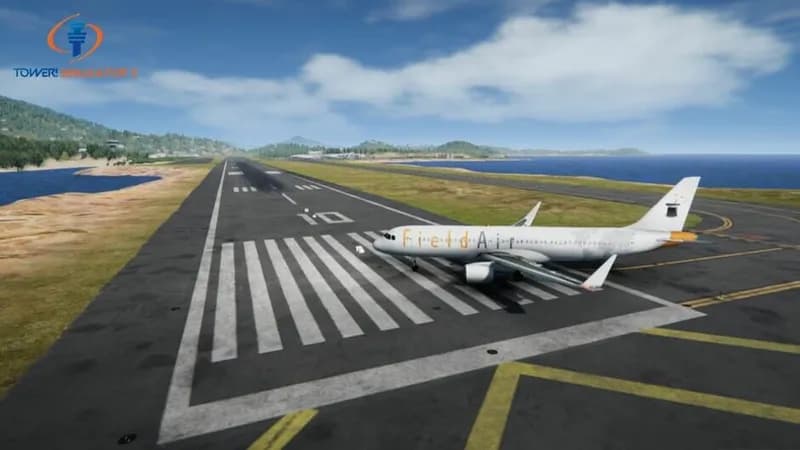
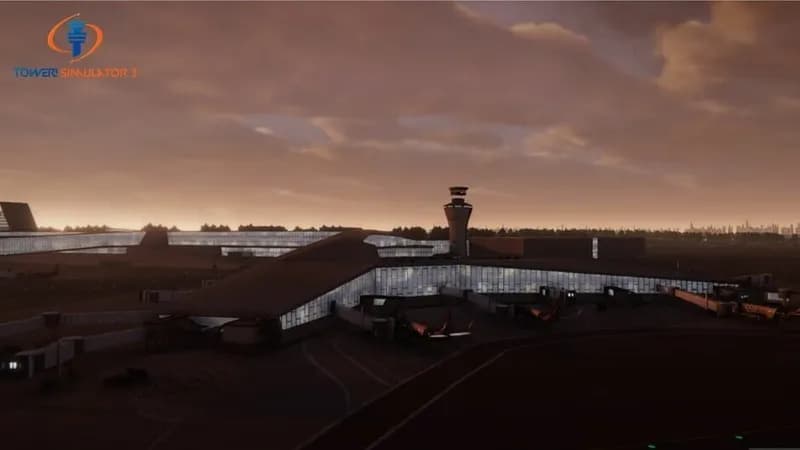
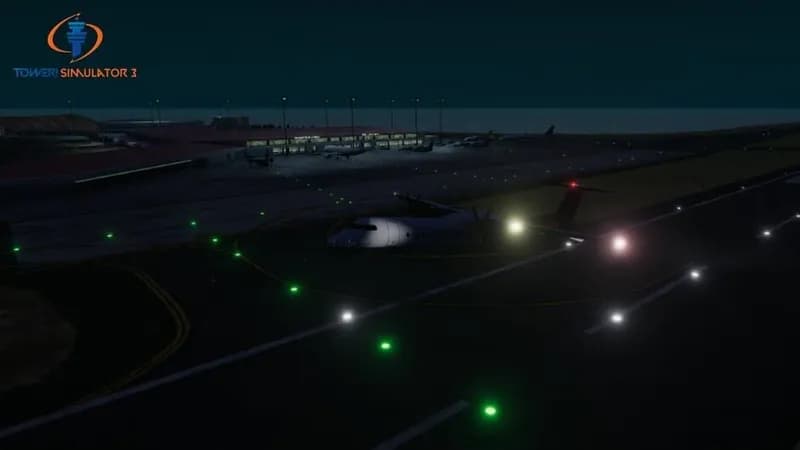
Tower! Sim 3 recreates the complexities of air traffic control using detailed airport models and advanced voice command processing. Experience realistic ATC operations with high-fidelity visuals and dynamic lighting.
Tower! Simulator 3 Minimum & Recommended Specs
Minimum: Intel Core i5, NVIDIA GeForce GTX, 4 GB RAM. Recommended: 8 GB RAM RAM.
Minimum System Requirements
Recommended System Requirements
Trailer
Quick Performance Tips for Tower! Simulator 3
#1
Lower the shadow quality for a significant performance boost.
#2
Reduce the aircraft count in the simulation settings.
#3
Close unnecessary background applications while playing.
#4
Update your graphics card drivers to the latest version.
Tower! Simulator 3 System Requirements FAQ
Can I run Tower! Simulator 3 on a low-end PC?
If your PC meets the minimum requirements (Intel Core i5 2.0 GHz, NVIDIA GeForce GTX 750, 4 GB RAM), you should be able to run Tower! Simulator 3, but you may need to lower the graphics settings for optimal performance.
What GPU do I need for Tower! Simulator 3?
At a minimum, you'll need an NVIDIA GeForce GTX 750 or equivalent. For a smoother experience with higher settings, an NVIDIA GeForce GTX 970 or equivalent is recommended.
How much RAM does Tower! Simulator 3 need?
The game requires a minimum of 4 GB of RAM. However, 8 GB of RAM is recommended for better performance and to avoid potential stuttering, especially with complex airports and scenarios.
Will Tower! Simulator 3 run on integrated graphics?
While it *might* run on some newer integrated graphics solutions, it's not officially supported and performance is likely to be poor. A dedicated graphics card (like a GTX 750 or better) is highly recommended.
What is the best graphics settings for Tower! Simulator 3?
This depends on your hardware. Start with the 'Medium' preset and adjust from there. If you have a GTX 970 or better, you can likely run on 'High' or even 'Ultra'. If you have a GTX 750, try 'Low' or 'Medium'.
Tower! Simulator 3 Game Info
Developer
FeelThere
Publisher
FeelThere
Release Date
December 13, 2022
Platforms
PC (Microsoft Windows)
Genres
SimulatorStrategy
Game Modes
- Single player
- Multiplayer
- Co-operative
Tower! Simulator 3 Screenshots



Optimize Your PC for Tower! Simulator 3
Use our free tools to analyze and improve your gaming performance