
All Games
Universe Sandbox System Requirements
August 24, 2015Giant Army
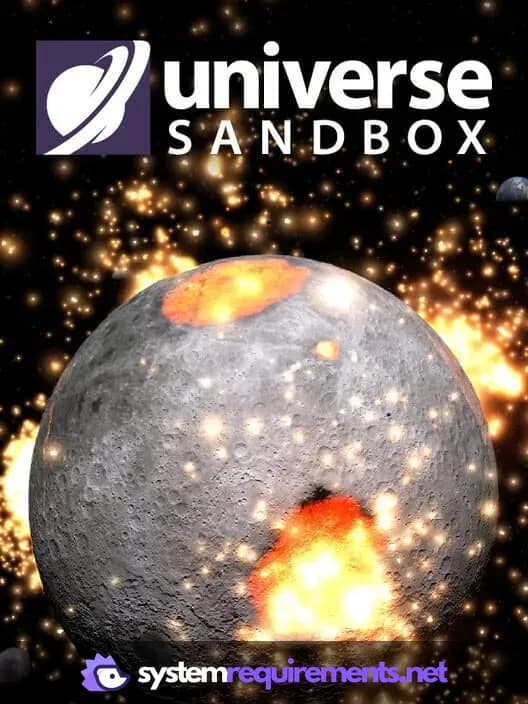
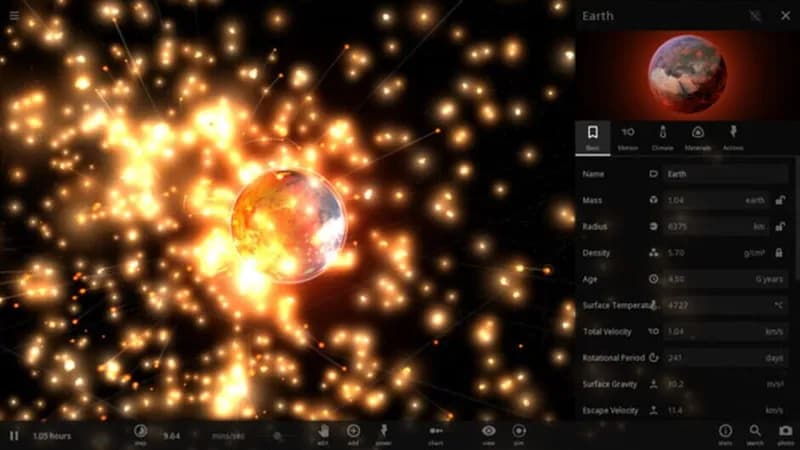
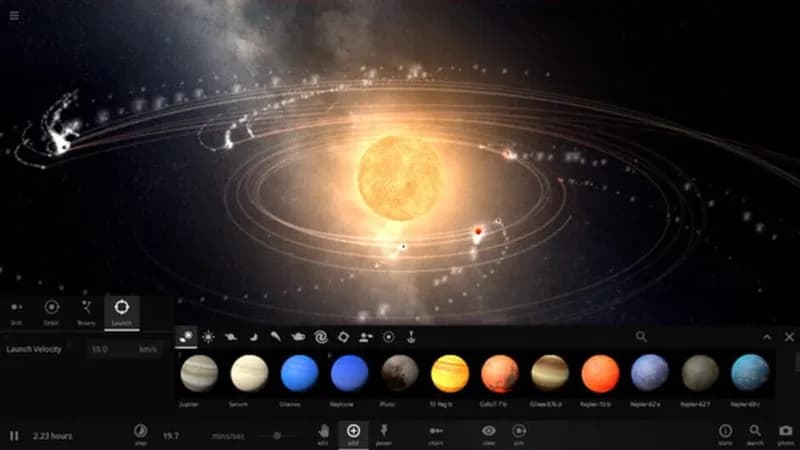
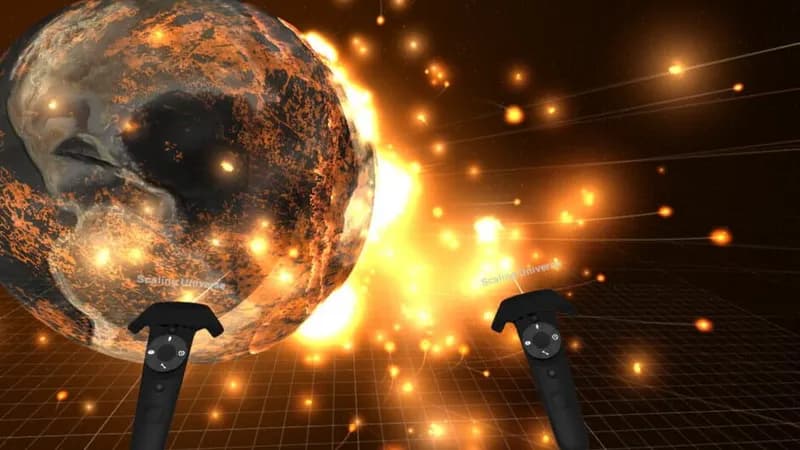
Witness celestial mechanics firsthand. This physics-based simulator lets you manipulate gravity, climate, and collisions to explore the cosmos and its potential outcomes. VR headsets like HTC Vive, Oculus Rift, and Windows Mixed Reality are also supported.
Universe Sandbox Minimum & Recommended Specs
Minimum: 2 GHz Dual, 1 GB Dedicated, 4 GB RAM. Recommended: 8 GB RAM RAM.
Minimum System Requirements
Recommended System Requirements
Upgrade Your Hardware
Gameplay Video
Quick Performance Tips for Universe Sandbox
#1
Reduce the number of objects in your simulation.
#2
Lower the graphics settings (shadows, reflections).
#3
Close other applications to free up RAM.
#4
Decrease the simulation speed for better performance.
#5
Upgrade your RAM if possible.
Universe Sandbox System Requirements FAQ
Can I run Universe Sandbox on a low-end PC?
If your PC meets the minimum requirements (2 GHz Dual Core, 1 GB Dedicated Video Memory, 4 GB RAM), you should be able to run Universe Sandbox, but performance may be limited, especially with complex simulations. Expect lower frame rates and potentially longer loading times.
What GPU do I need for Universe Sandbox?
At a minimum, you need a GPU with 1 GB of dedicated video memory. For a smoother experience, especially with larger simulations and higher graphics settings, a GPU with 4 GB of dedicated video memory is recommended.
How much RAM does Universe Sandbox need?
Universe Sandbox requires at least 4 GB of RAM to run. However, 8 GB of RAM is recommended for smoother performance, particularly when running complex simulations with many objects.
Will Universe Sandbox run on integrated graphics?
While technically possible if your integrated graphics meet the minimum 1GB dedicated VRAM, performance may be significantly degraded. You'll likely need to lower the graphics settings and reduce the complexity of your simulations to achieve playable frame rates. A dedicated graphics card is highly recommended for a better experience.
What is the best graphics settings for Universe Sandbox?
The best graphics settings depend on your hardware. If you meet the recommended specs, you can likely run the game on high settings. If you're closer to the minimum specs, start with low settings and gradually increase them until you find a balance between visual quality and performance. Pay attention to simulation speed and frame rate as you adjust settings.
Universe Sandbox Game Info
Developer
Giant Army
Publisher
Giant Army
Release Date
August 24, 2015
Platforms
Linux, PC (Microsoft Windows), Mac
Genres
SimulatorIndie
Game Modes
- Single player
Universe Sandbox Screenshots





Optimize Your PC for Universe Sandbox
Use our free tools to analyze and improve your gaming performance