
All Games
Upload Labs System Requirements
October 3, 2025EnigmaDev Studios
Forge a digital empire in Upload Labs, constructing and fine-tuning your PC's core architecture. Strategically link processing nodes to maximize data throughput, overcome bottlenecks, and achieve peak system performance.
Upload Labs Minimum & Recommended Specs
Minimum: Intel Core i5-4590, Nvidia GeForce GTX, 8 GB RAM. Recommended: 16 GB RAM RAM.
Minimum System Requirements
Recommended System Requirements
Quick Performance Tips for Upload Labs
#1
Lower shadow quality for a significant performance boost.
#2
Reduce texture resolution if you're experiencing stuttering.
#3
Disable or reduce anti-aliasing to improve frame rates.
#4
Close unnecessary background applications while playing.
Upload Labs System Requirements FAQ
Can I run Upload Labs on a low-end PC?
To ensure a playable experience with Upload Labs, your PC should meet at least the minimum requirements: an Intel Core i5-4590 / AMD FX 8350 processor, Nvidia GeForce GTX 970 / AMD Radeon R9 290 graphics card, and 8 GB of RAM. If your PC falls significantly below these specifications, you may encounter performance issues.
What GPU do I need for Upload Labs?
For minimum performance, you'll need an Nvidia GeForce GTX 970 or an AMD Radeon R9 290. For the best experience, we recommend an Nvidia GeForce GTX 1070 or an AMD Radeon RX Vega 56.
How much RAM does Upload Labs need?
Upload Labs requires a minimum of 8 GB of RAM. However, for smoother gameplay and better performance, especially at higher settings, we recommend 16 GB of RAM.
Will Upload Labs run on integrated graphics?
While it's technically possible, running Upload Labs on integrated graphics is not recommended. Integrated graphics solutions typically don't meet the minimum GPU requirements (Nvidia GeForce GTX 970 / AMD Radeon R9 290), resulting in very low frame rates and a poor experience.
What is the best graphics settings for Upload Labs?
The best graphics settings depend on your hardware. If you meet the recommended specs, you should be able to run the game on high or ultra settings. If you meet the minimum specs, try starting with medium settings and adjust from there. Experiment with lowering shadows, textures, and anti-aliasing for better performance.

Upload Labs Game Info
Developer
EnigmaDev Studios
Publisher
EnigmaDev Studios
Release Date
October 3, 2025
Platforms
Linux, PC (Microsoft Windows)
Genres
Simulator
Game Modes
- Single player
Upload Labs Screenshots
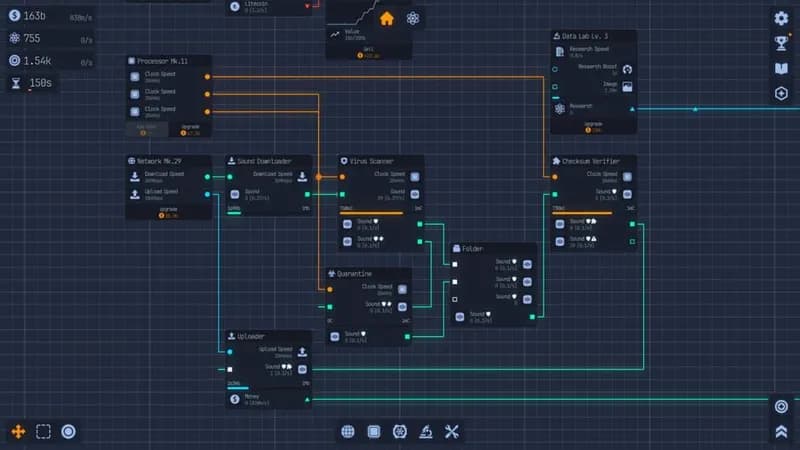
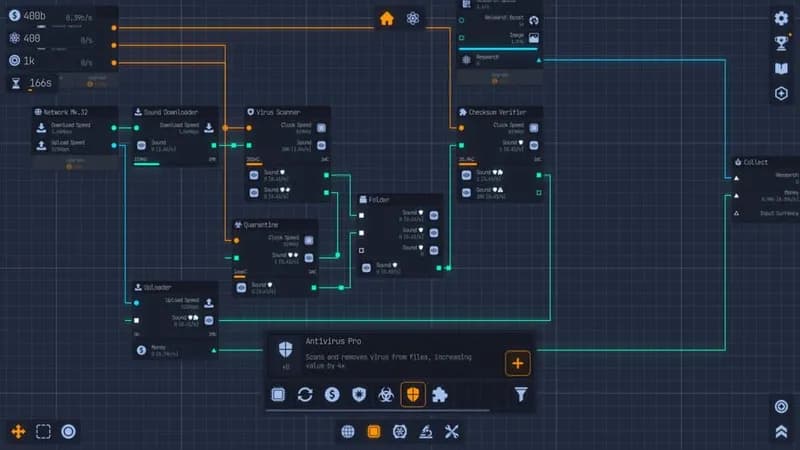
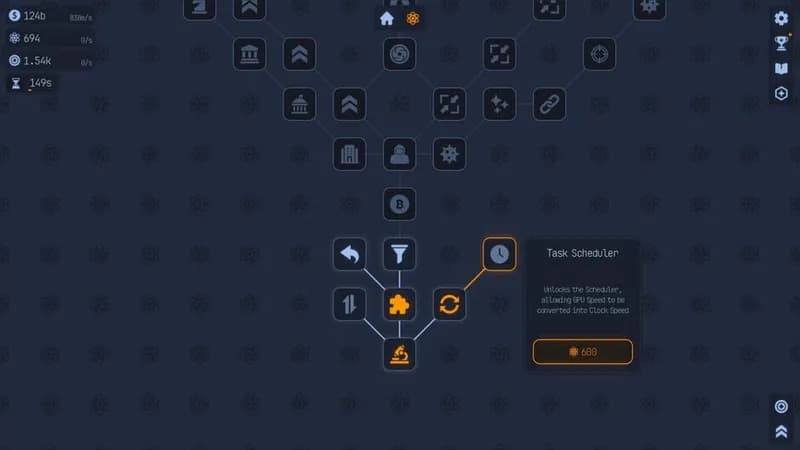
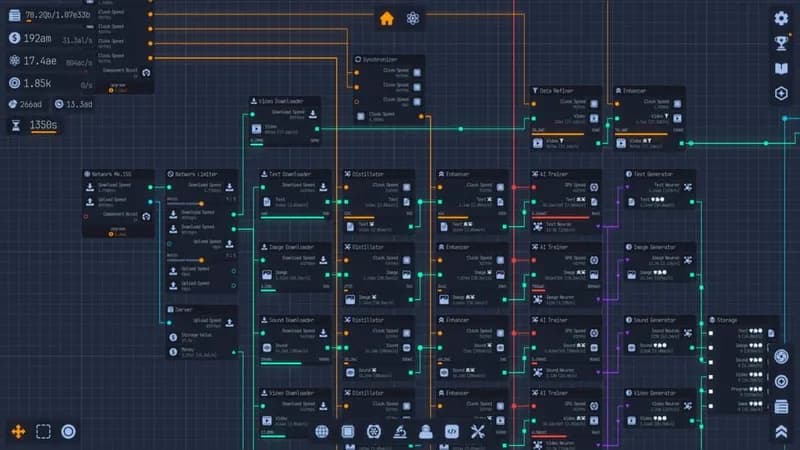






Optimize Your PC for Upload Labs
Use our free tools to analyze and improve your gaming performance