
Viscera Cleanup Detail System Requirements
Dr. Hades' lair is a biohazard zone. This Viscera Cleanup Detail DLC tasks you with decontaminating the gruesome aftermath of a disastrous operation.
Viscera Cleanup Detail Minimum & Recommended Specs
Minimum: 2.4 GHz Dual, 512 MB card, 2 GB RAM. Recommended: 4 GB RAM RAM.
Minimum System Requirements
Recommended System Requirements
Quick Performance Tips for Viscera Cleanup Detail
Lower shadow quality for a big FPS boost.
Reduce texture detail if you have limited VRAM.
Disable anti-aliasing for smoother gameplay.
Close unnecessary background applications.
Play in a smaller window to improve performance.
Clean up blood splatters quickly to avoid buildup.
Viscera Cleanup Detail System Requirements FAQ
Can I run Viscera Cleanup Detail on a low-end PC?
What GPU do I need for Viscera Cleanup Detail?
How much RAM does Viscera Cleanup Detail need?
Will Viscera Cleanup Detail run on integrated graphics?
What is the best graphics settings for Viscera Cleanup Detail?

Viscera Cleanup Detail Game Info
Developer
RuneStorm
Release Date
December 10, 2018
Platforms
PC (Microsoft Windows)
Genres
Game Modes
- Single player
- Multiplayer
- Co-operative
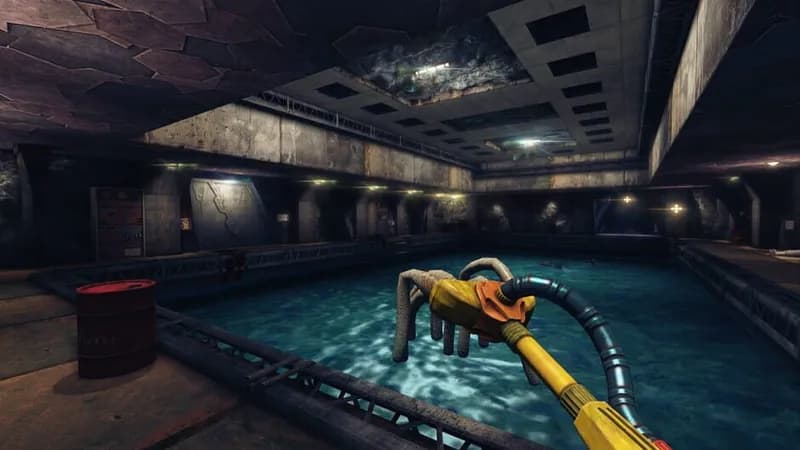
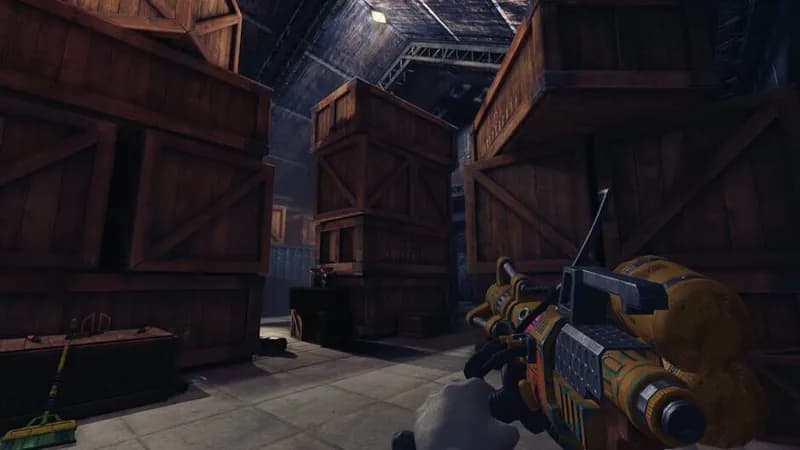
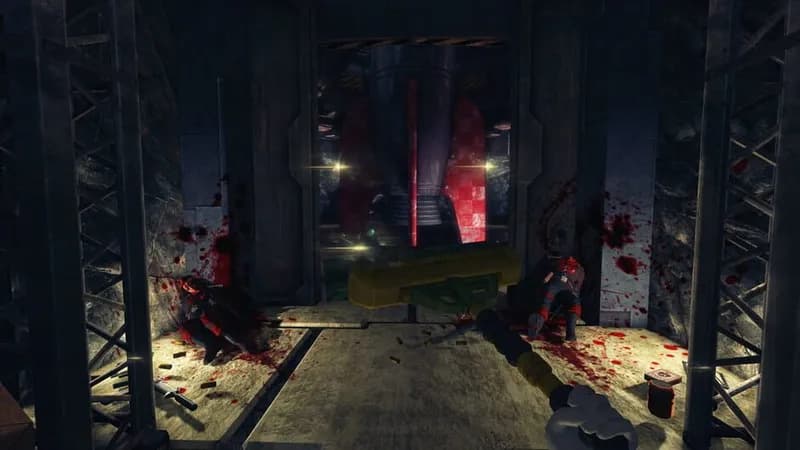
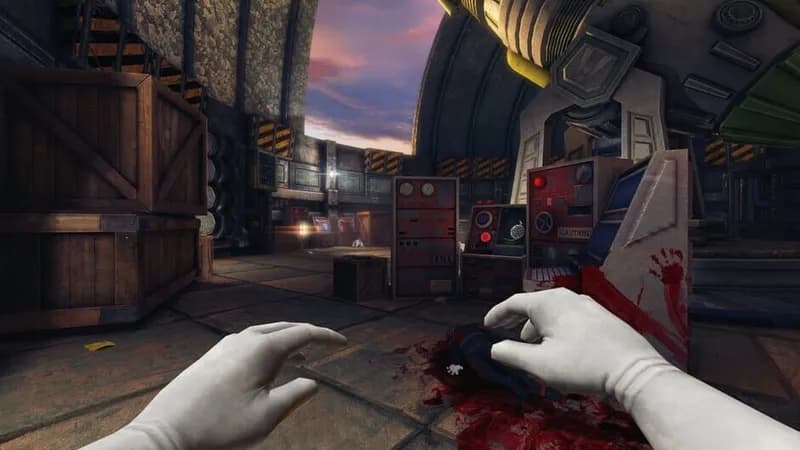
Viscera Cleanup Detail Screenshots
Games Similar to Viscera Cleanup Detail

American Truck Simulator - Utah
View requirements →

American Truck Simulator - Colorado
View requirements →

American Truck Simulator - New Mexico
View requirements →

Unpacking
View requirements →

Euro Truck Simulator 2 - Beyond the Baltic Sea
View requirements →

American Truck Simulator - Oregon
View requirements →
Optimize Your PC for Viscera Cleanup Detail
Use our free tools to analyze and improve your gaming performance