
We Love Katamari REROLL+ Royal Reverie System Requirements
Relive the quirky charm of We Love Katamari, now enhanced for PC. REROLL+ Royal Reverie brings visual and gameplay refinements to the classic sequel, plus a new chapter exploring the King of All Cosmos's origins.
We Love Katamari REROLL+ Royal Reverie Minimum & Recommended Specs
Minimum: AMD FX-4350 /, AMD Radeon HD, 4 GB RAM. Recommended: 8 GB RAM RAM.
Minimum System Requirements
Recommended System Requirements
Announcement Trailer
Quick Performance Tips for We Love Katamari REROLL+ Royal Reverie
Lower the resolution for a frame rate boost.
Disable anti-aliasing for improved performance.
Close background apps to free up RAM.
Update your graphics drivers for optimal performance.
We Love Katamari REROLL+ Royal Reverie System Requirements FAQ
Can I run We Love Katamari REROLL+ Royal Reverie on a low-end PC?
What GPU do I need for We Love Katamari REROLL+ Royal Reverie?
How much RAM does We Love Katamari REROLL+ Royal Reverie need?
Will We Love Katamari REROLL+ Royal Reverie run on integrated graphics?
What is the best graphics settings for We Love Katamari REROLL+ Royal Reverie?

We Love Katamari REROLL+ Royal Reverie Game Info
Developer
MONKEYCRAFT Co. Ltd
Publisher
Bandai Namco Entertainment
Release Date
June 2, 2023
Platforms
Xbox Series X|S, PlayStation 4, PC (Microsoft Windows), PlayStation 5, Xbox One
Genres
Game Modes
- Single player
- Multiplayer
- Co-operative
- Split screen
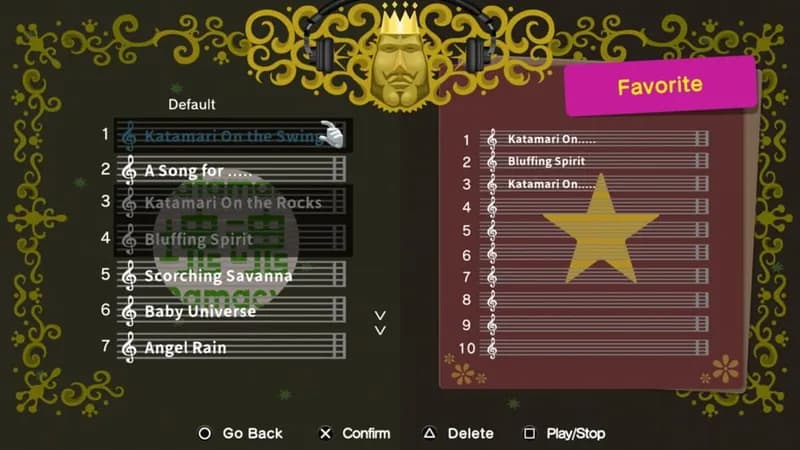
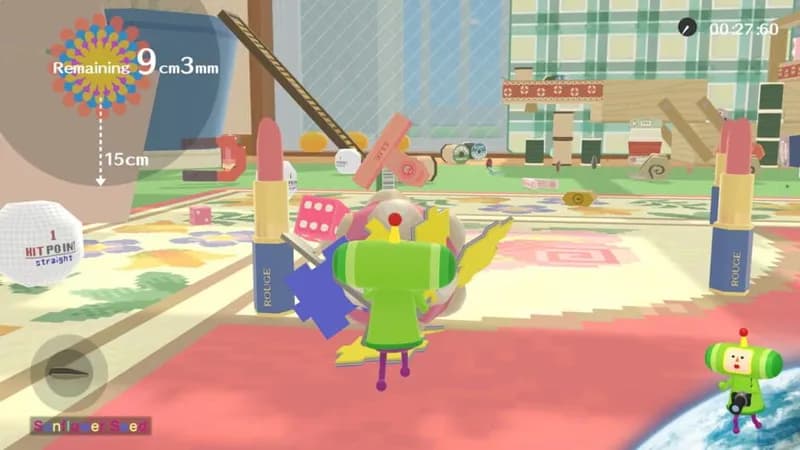
We Love Katamari REROLL+ Royal Reverie Screenshots








Optimize Your PC for We Love Katamari REROLL+ Royal Reverie
Use our free tools to analyze and improve your gaming performance
Estimate FPS for We Love Katamari REROLL+ Royal Reverie
Calculate expected frame rates with your hardware
Check for Bottlenecks
Find if your CPU or GPU is holding you back
Calculate PSU Wattage
Make sure your power supply can handle your build
Compare Graphics Cards
Find the best GPU upgrade for your needs