
All Games
Winter Memories System Requirements
January 6, 2024Dojin Otome
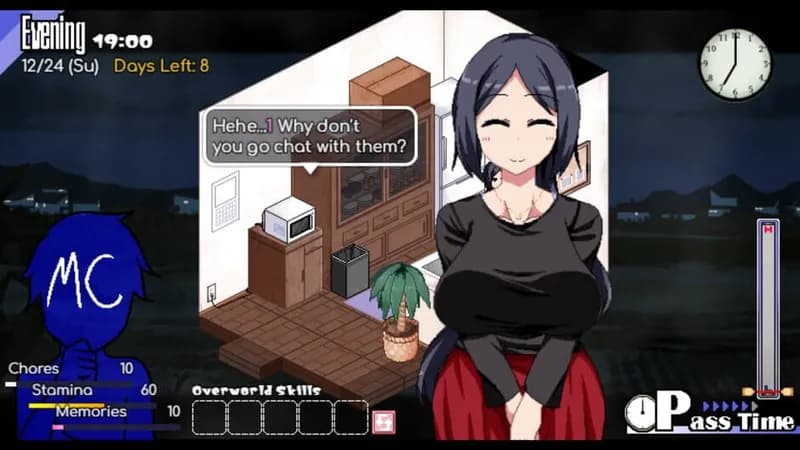
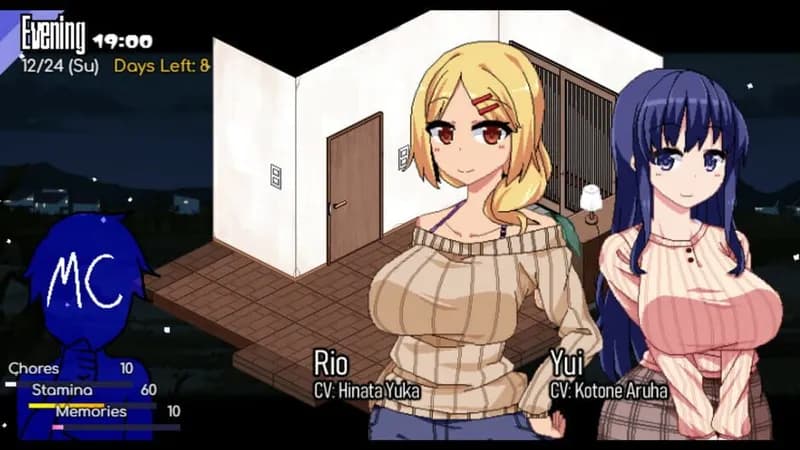
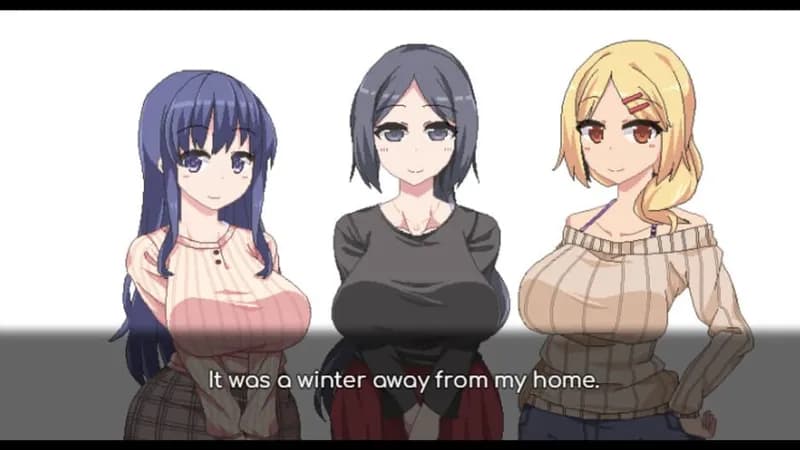
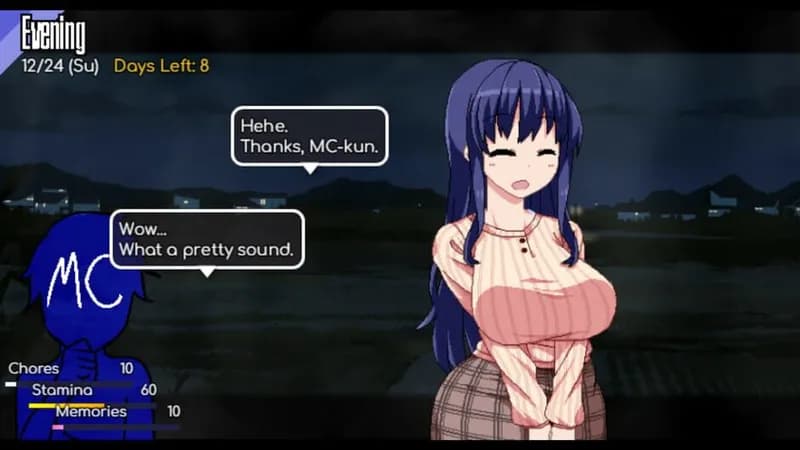
Six months after a life-changing summer, reconnect with Yui, Rio, and Miyuki amidst a snowy winter. A new chapter unfolds as the weather shifts and relationships evolve.
Winter Memories Minimum & Recommended Specs
Minimum: Intel Core i3, NVIDIA GeForce GTX, 4 GB RAM. Recommended: 8 GB RAM RAM.
Minimum System Requirements
Recommended System Requirements
Upgrade Your Hardware
Trailer
Quick Performance Tips for Winter Memories
#1
Lower shadow quality for a significant performance boost.
#2
Reduce texture detail if you're experiencing stuttering.
#3
Close unnecessary background applications.
#4
Update your graphics drivers for optimal performance.
Winter Memories System Requirements FAQ
Can I run Winter Memories on a low-end PC?
If your PC meets the minimum requirements (Intel Core i3, NVIDIA GeForce GTX 560, 4 GB RAM), you should be able to run Winter Memories, but you may need to lower the graphics settings for optimal performance. If you are below the minimum, the game may not run or perform poorly.
What GPU do I need for Winter Memories?
At a minimum, you'll need an NVIDIA GeForce GTX 560 or equivalent to play Winter Memories. For the best experience, an NVIDIA GeForce GTX 960 or better is recommended.
How much RAM does Winter Memories need?
Winter Memories requires a minimum of 4 GB of RAM. For smoother gameplay and better performance, 8 GB of RAM is recommended.
Will Winter Memories run on integrated graphics?
While it's *possible* Winter Memories might run on some integrated graphics solutions, it's unlikely to provide a good experience. The game is designed for dedicated GPUs like the GTX 560 or better. Expect very low frame rates and graphical glitches if you attempt to run it on integrated graphics.
What is the best graphics settings for Winter Memories?
The 'best' settings depend on your hardware. Start with the recommended settings. If performance is poor, try lowering shadow quality, texture detail, and anti-aliasing. Experiment to find a balance between visual quality and smooth frame rates.

Winter Memories Game Info
Developer
Dojin Otome
Publisher
Kagura Games
Release Date
January 6, 2024
Platforms
PC (Microsoft Windows)
Genres
Point-and-clickRole-playing (RPG)SimulatorAdventureVisual Novel
Game Modes
- Single player
Winter Memories Screenshots






Optimize Your PC for Winter Memories
Use our free tools to analyze and improve your gaming performance