All Games

Zaccaria Pinball System Requirements

March 23, 2013Magic Pixel Games

Experience a vast collection of digital pinball tables, including recreations of over 40 licensed Zaccaria designs from the company that rivaled Bally and Williams. This game features POSTAL Pinball and Primal Pinball among its extensive library.

Zaccaria Pinball Minimum & Recommended Specs

Minimum: 1.5 GHZ, DirectX 9.0c compatible, 1 GB RAM. Recommended: 2 GB RAM RAM.

Minimum System Requirements

OS
Windows XP
Processor
1.5 GHZCPU Deals
RAM
1 GB RAMRAM Deals
Graphics Card
DirectX 9.0c compatible video card with 128 MB RAMGPU Deals
DirectX
9.0c
Storage
2 GB available spaceSSD Deals

Recommended System Requirements

OS
Windows 7
Processor
2.0 GHZCPU Deals
RAM
2 GB RAMRAM Deals
Graphics Card
DirectX 9.0c compatible video card with 256 MB RAMGPU Deals
DirectX
9.0c
Storage
2 GB available spaceSSD Deals

Quick Performance Tips for Zaccaria Pinball

#1

Lower shadow quality for a performance boost.

#2

Disable reflections to increase framerate.

#3

Reduce antialiasing for smoother gameplay.

#4

Close unnecessary background applications.

#5

Update your graphics card drivers.

Zaccaria Pinball System Requirements FAQ

Can I run Zaccaria Pinball on a low-end PC?
Zaccaria Pinball is designed to be accessible. If your PC meets the minimum requirements (1.5 GHz CPU, 128 MB DirectX 9.0c compatible video card, and 1 GB RAM), you should be able to run the game, although you may need to lower the graphics settings for optimal performance.
What GPU do I need for Zaccaria Pinball?
At a minimum, you'll need a DirectX 9.0c compatible video card with 128 MB of RAM. For a smoother experience, a card with 256 MB of RAM is recommended.
How much RAM does Zaccaria Pinball need?
Zaccaria Pinball requires a minimum of 1 GB of RAM. For better performance, especially with higher graphics settings, 2 GB of RAM is recommended.
Will Zaccaria Pinball run on integrated graphics?
It might run on integrated graphics, but performance can vary greatly depending on the specific integrated GPU. Ensure your integrated graphics solution is DirectX 9.0c compatible and has at least 128MB of dedicated or shared memory. You'll likely need to use the lowest graphics settings.
What is the best graphics settings for Zaccaria Pinball?

The best graphics settings depend on your hardware. Start with the recommended settings. If you experience lag, reduce the shadow quality, reflection quality, and antialiasing. Experiment to find a balance between visual quality and performance.
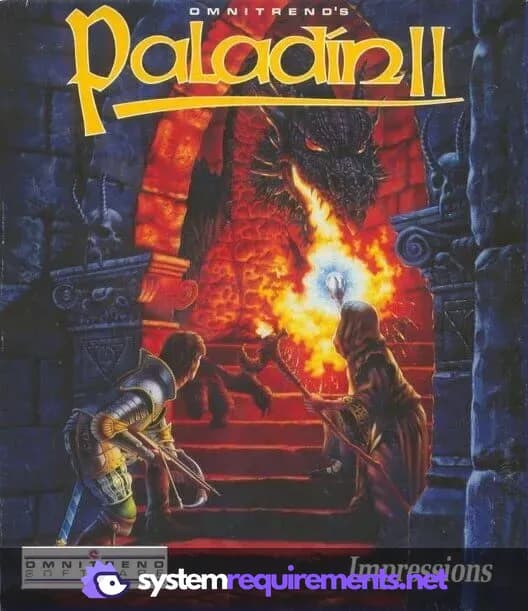
Zaccaria Pinball PC game cover art

Zaccaria Pinball Game Info

Developer

Magic Pixel Games

Publisher

ASK Homework

Release Date

March 23, 2013

Platforms

PlayStation 4, Linux, Android, PC (Microsoft Windows), iOS

Genres

SimulatorPinballIndieArcade

Game Modes

  • Single player
  • Multiplayer

Zaccaria Pinball Screenshots
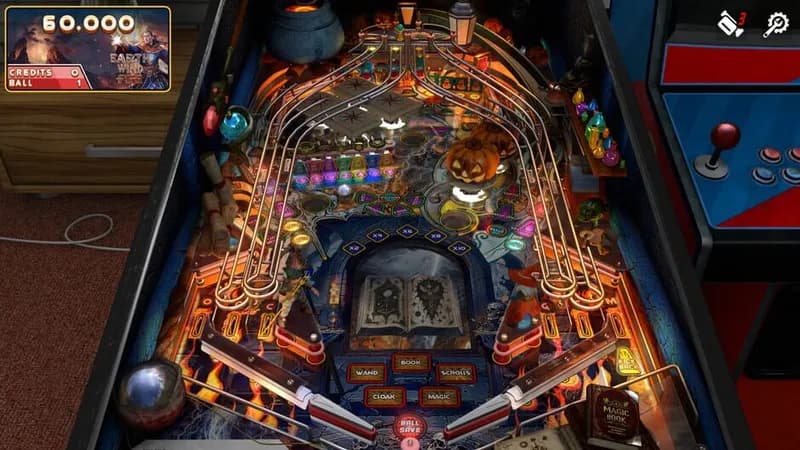
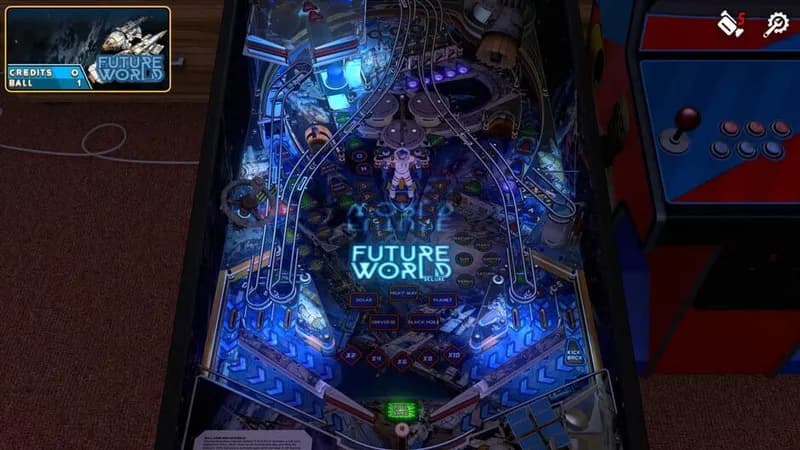
Zaccaria Pinball gameplay screenshot 1
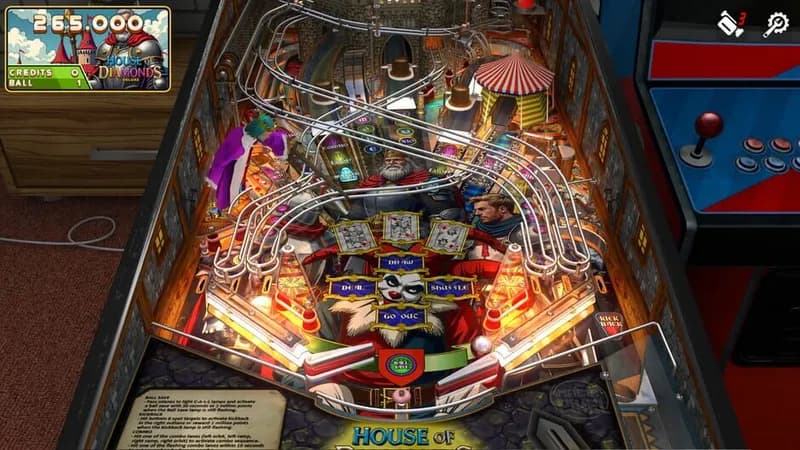
Zaccaria Pinball gameplay screenshot 2
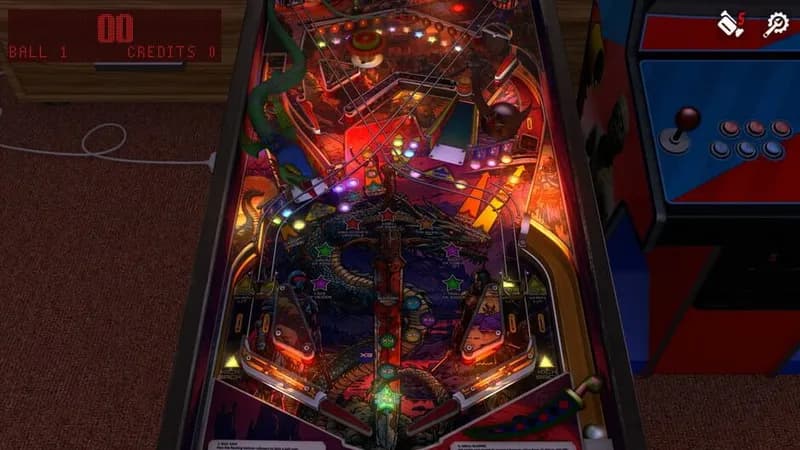
Zaccaria Pinball gameplay screenshot 3
Zaccaria Pinball gameplay screenshot 4
Zaccaria Pinball System Requirements - Can Your PC Run It?