
Guide
Complete Beginner's Guide
New to building or upgrading your PC? This complete beginners guide shows you how to ensure your CPU cooler fits your processor, motherboard, and case using the CPU Cooler Compatibility Checker.
Updated 2026-07-05
What is CPU Cooler Compatibility and Why Does It Matter?
Choosing the right CPU cooler is essential for keeping your processor running cool and stable. However, not all coolers fit every CPU, motherboard, or PC case. Compatibility involves checking the mounting socket, supported thermal design power (TDP), and physical clearance within your case.
If you buy a cooler without confirming compatibility, you might face issues like mounting brackets that do not fit your CPU socket, a heatsink that blocks RAM slots, or a cooler that is simply too tall for your PC case. These problems can lead to wasted money, installation headaches, or even hardware damage.
The CPU Cooler Compatibility Checker from SystemRequirements.net is designed to prevent these issues by letting you quickly see if a cooler matches your system's requirements. Just input your CPU, motherboard socket, and case, and the tool instantly checks for fit, TDP support, and clearance.
Understanding these basics is crucial for a smooth PC building or upgrading experience, especially for beginners. Armed with this knowledge, you can shop with confidence and avoid costly mistakes.
Key Compatibility Factors Explained
Let us look deeper into the three main aspects of CPU cooler compatibility:
- Socket Compatibility: Your CPU and motherboard use a specific socket type, such as Intel LGA1700 or AMD AM5. The cooler must have mounting hardware that matches your socket. Some coolers include multiple brackets, while others support only certain sockets.
- TDP Support: TDP refers to how much heat your CPU generates. The cooler must be rated to dissipate at least as much heat as your CPU produces. Using a cooler with a lower TDP rating can lead to overheating and reduced performance.
- Case Clearance: Even if the cooler fits your socket and meets TDP requirements, it must physically fit inside your case. Air coolers have height measurements, and large coolers might interfere with RAM or case side panels. Liquid coolers need radiator space.
The CPU Cooler Compatibility Checker simplifies all of this. Instead of digging through manufacturer specs, the tool cross-references your components and presents an easy compatibility verdict. This saves time and greatly reduces the risk of mismatched parts.
Step-by-step
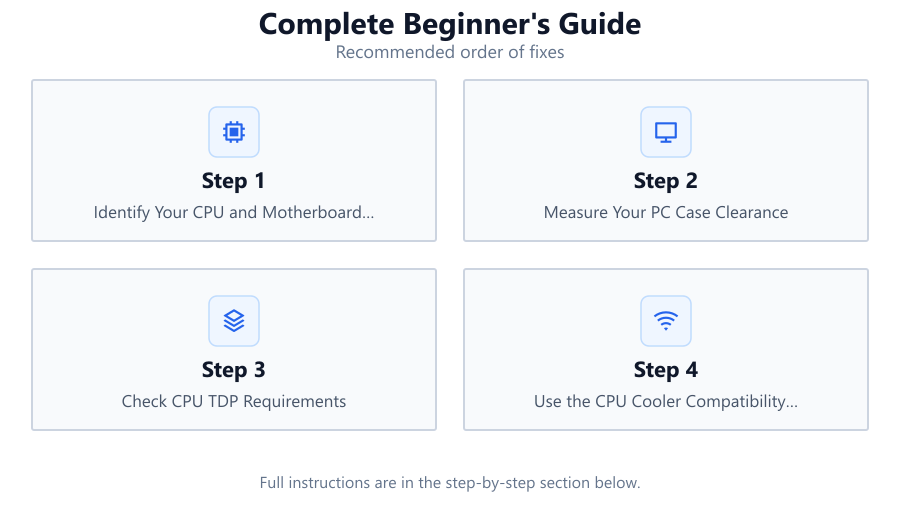
Identify Your CPU and Motherboard Socket
First, determine the exact model of your processor and the socket type of your motherboard. This information is usually found in your motherboard manual or by checking your system specs online.
Measure Your PC Case Clearance
Open your case and use a ruler or tape measure to check the maximum cooler height (for air coolers) or available radiator space (for liquid coolers). Also, note potential obstructions like RAM or GPU placement.
Check CPU TDP Requirements
Look up your CPU’s official TDP rating. You can find this on the manufacturer website or via CPU identification tools. Make sure any cooler you consider is rated for at least this amount.
Use the CPU Cooler Compatibility Checker
Go to SystemRequirements.net and launch the CPU Cooler Compatibility Checker. Enter your CPU, motherboard socket, and case model. The tool will instantly show compatible coolers and highlight any issues.
Review Cooling Performance and Noise
Once you have a list of compatible coolers, compare their cooling performance, noise levels, and price. Consider user reviews and manufacturer specs to choose the best option for your needs and budget.
Comparison
| Cooler Model | Socket Support | Max TDP (W) |
|---|---|---|
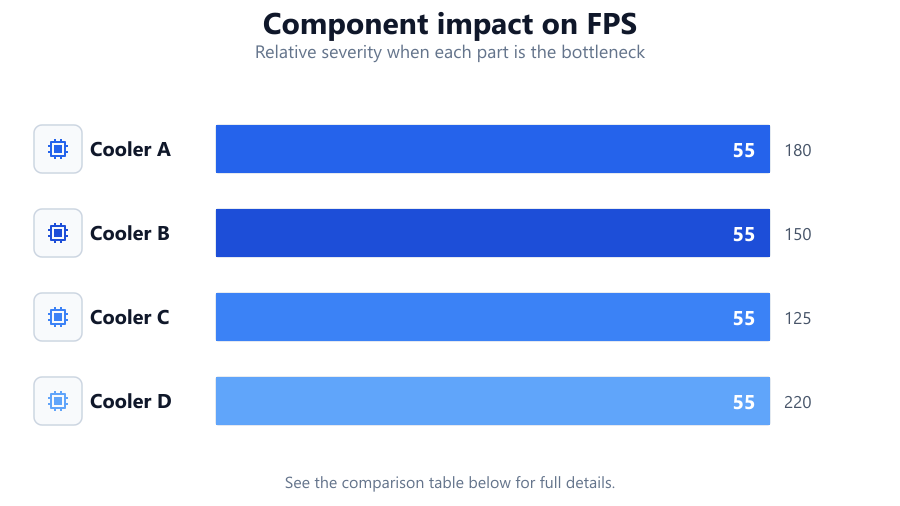
| Cooler A | LGA1700, AM5 | 180 |
| Cooler B | AM4, AM5 | 150 |
| Cooler C | LGA1200, LGA1700 | 125 |
| Cooler D | LGA1700, AM4, AM5 | 220 |
Common mistakes
Mistake
Buying a cooler without checking socket compatibility
Fix: Always verify the cooler supports your exact CPU socket using the CPU Cooler Compatibility Checker.
Mistake
Ignoring case clearance and cooler height
Fix: Measure your case's available space before purchasing, and confirm the cooler will fit without blocking RAM or case panels.
Mistake
Choosing a cooler with insufficient TDP rating
Fix: Ensure the cooler is rated for your CPU's TDP or higher to prevent overheating.
Mistake
Forgetting about RAM or VRM heatsink clearance
Fix: Check cooler dimensions and motherboard layout to avoid conflicts with tall RAM or heatsinks.
Troubleshooting
Cooler does not fit on motherboard
Likely cause: Incompatible socket or missing mounting hardware
What to do: Check the socket type again. Obtain the correct mounting kit or choose a compatible cooler.
Case side panel will not close after cooler installation
Likely cause: Cooler is too tall for the case
What to do: Double-check case clearance. Replace with a shorter cooler or choose a liquid cooler with a compatible radiator size.
CPU temperatures remain high after installation
Likely cause: Cooler TDP is too low or thermal paste application is poor
What to do: Reapply thermal paste and ensure proper installation. If temps remain high, upgrade to a cooler with a higher TDP rating.
Recommendations
- Always use the CPU Cooler Compatibility Checker before purchasing a new cooler.
- Choose a cooler that exceeds your CPU's TDP for better thermal headroom.
- Consider both air and liquid coolers, but make sure your case supports your choice.
- Read user reviews for noise and real-world performance before deciding.
Frequently asked questions
Do all CPU coolers fit any processor?
No, CPU coolers are designed for specific socket types and may not fit every processor. Always check compatibility before buying.
How do I find my motherboard's socket type?
You can find your motherboard's socket type in the manual, on the manufacturer's website, or by looking up the model number with a search engine.
What happens if my cooler's TDP rating is lower than my CPU's?
Using a cooler with a lower TDP rating than your CPU can cause overheating, thermal throttling, and instability. Always match or exceed your CPU's TDP.
Can I use liquid coolers in any PC case?
Not always. Liquid coolers require mounting space for the radiator. Check your case specs for supported radiator sizes and locations.