
All Games
CURE - A Hospital Simulator System Requirements
November 20, 2025Sentinel Games
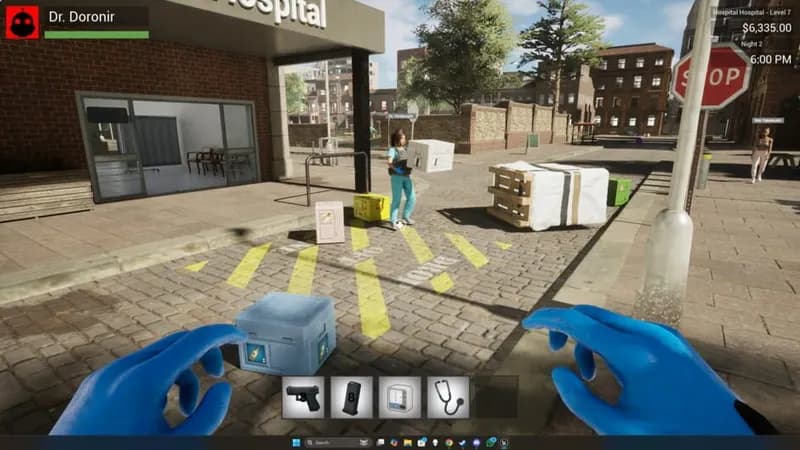
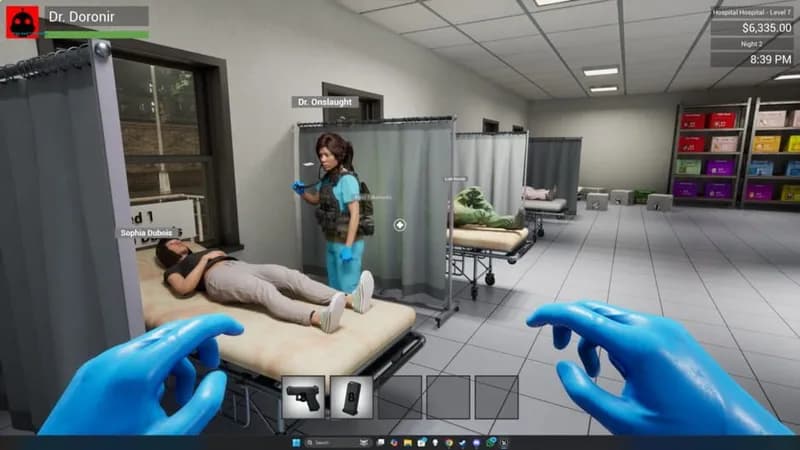
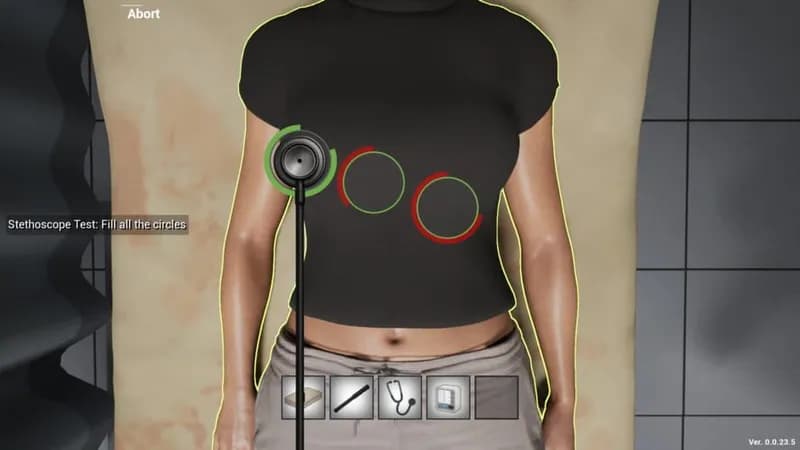
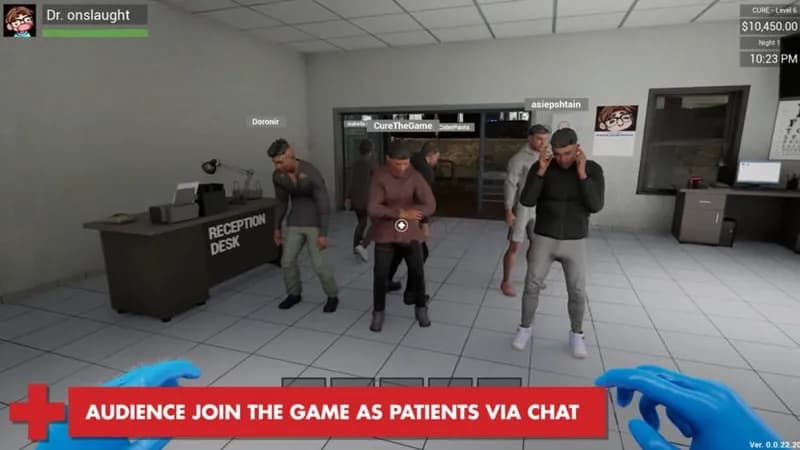
Survive the end times as an emergency room administrator, alone or cooperatively. Juggle patient care with zombie defense and hospital expansion, with optional Twitch chat integration.
CURE - A Hospital Simulator Minimum & Recommended Specs
Minimum: Intel Core i3, Nvidia Geforce GTX, 4 GB RAM. Recommended: 8 GB RAM RAM.
Minimum System Requirements
Recommended System Requirements
Gameplay Trailer
Quick Performance Tips for CURE - A Hospital Simulator
#1
Lower shadow quality for a quick performance boost.
#2
Reduce patient count if experiencing lag.
#3
Close unnecessary background applications.
#4
Update your graphics drivers for optimal performance.
CURE - A Hospital Simulator System Requirements FAQ
Can I run CURE - A Hospital Simulator on a low-end PC?
While the minimum requirements are relatively modest (Intel Core i3, GTX 560/HD 7770, 4GB RAM), you may need to lower graphics settings for smooth gameplay on a lower-end PC. Expect some performance dips in busy hospital areas.
What GPU do I need for CURE - A Hospital Simulator?
For minimum settings, an Nvidia Geforce GTX 560 or AMD Radeon HD 7770 is required. For higher settings and smoother performance, an Nvidia Geforce GTX 970 or AMD Radeon RX 570 is recommended.
How much RAM does CURE - A Hospital Simulator need?
At least 4 GB of RAM is required to play CURE - A Hospital Simulator. However, 8 GB of RAM is recommended for a smoother experience, especially with larger hospitals and more patients.
Will CURE - A Hospital Simulator run on integrated graphics?
While it *might* run on some newer, more powerful integrated graphics solutions, it's not officially supported. You'll likely experience significant performance issues and graphical glitches. A dedicated graphics card is highly recommended.
What is the best graphics settings for CURE - A Hospital Simulator?
This depends on your hardware. Start with medium settings and adjust from there. Lowering shadow quality, texture detail, and anti-aliasing can significantly improve performance on less powerful systems.
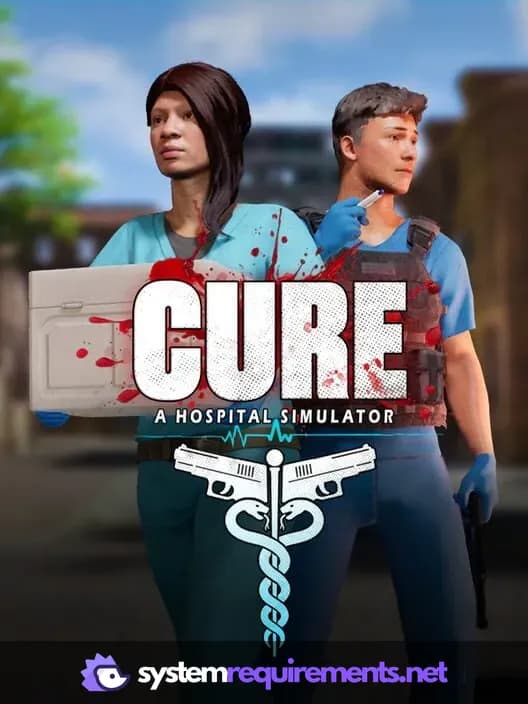
CURE - A Hospital Simulator Game Info
Developer
Sentinel Games
Publisher
Sentinel Games
Release Date
November 20, 2025
Platforms
PC (Microsoft Windows)
Genres
SimulatorStrategyIndie
Game Modes
- Single player
- Multiplayer
- Co-operative
CURE - A Hospital Simulator Screenshots






Optimize Your PC for CURE - A Hospital Simulator
Use our free tools to analyze and improve your gaming performance