
All Games
Dota 2 System Requirements
July 9, 2013Valve91/100
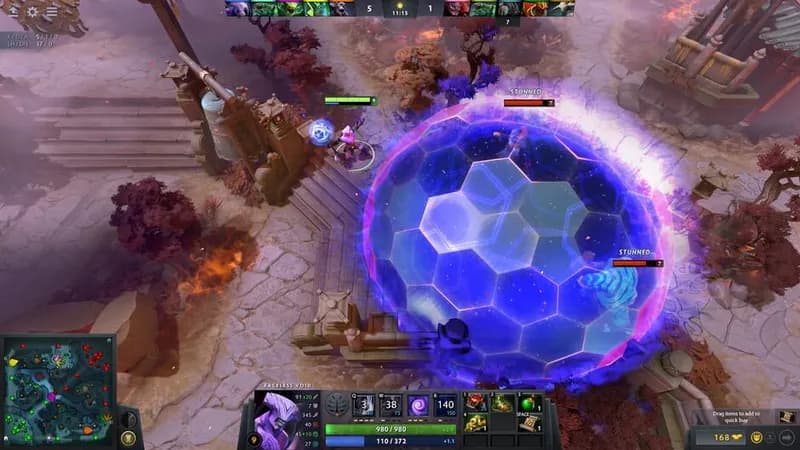
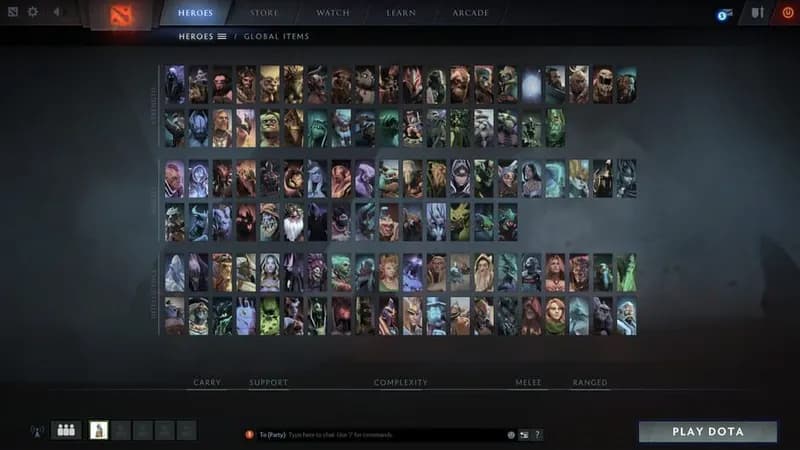
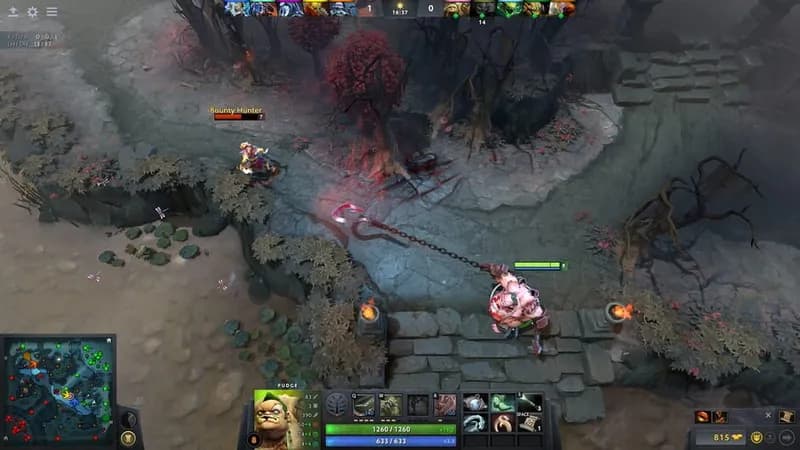
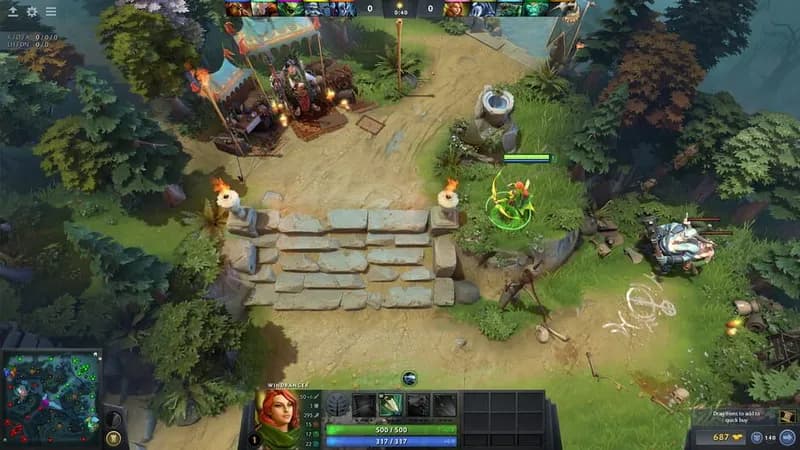
Dota 2 pits two teams against each other in a strategic battle for map control and base destruction. Evolving from a popular mod, the game receives frequent updates, adding new characters and mechanics to its core gameplay.
Dota 2 Minimum & Recommended Specs
Minimum: Intel Core i3-2100, NVIDIA GeForce GT, 4 GB RAM. Recommended: 8 GB RAM RAM.
Minimum System Requirements
Recommended System Requirements
Trailer
Quick Performance Tips for Dota 2
#1
Close unnecessary background apps.
#2
Lower your graphics settings in-game.
#3
Update your graphics card drivers.
#4
Run Dota 2 in fullscreen mode.
Dota 2 System Requirements FAQ
Can I run Dota 2 on a low-end PC?
Yes, Dota 2 is designed to be playable on a range of systems. If your PC meets the minimum requirements (Intel Core i3-2100 / AMD Athlon X4 631, NVIDIA GeForce GT 630 / AMD Radeon HD 6570, and 4 GB RAM), you should be able to run the game, though you may need to lower the graphics settings for optimal performance.
What GPU do I need for Dota 2?
At a minimum, you'll need an NVIDIA GeForce GT 630 or an AMD Radeon HD 6570. For a smoother experience with higher settings, an NVIDIA GeForce GTX 760 or an AMD Radeon R7 260 is recommended.
How much RAM does Dota 2 need?
Dota 2 requires at least 4 GB of RAM to run. However, 8 GB of RAM is recommended for a smoother experience, especially if you have other applications running in the background.
Will Dota 2 run on integrated graphics?
While it's *possible* to run Dota 2 on integrated graphics, especially newer models, performance may be significantly impacted. Expect low frame rates and the need to use the lowest graphics settings. A dedicated graphics card is highly recommended for a better experience.
What is the best graphics settings for Dota 2?
The best graphics settings depend on your hardware. Start with the 'Medium' preset and adjust from there. If you experience lag, lower the settings one by one (e.g., shadows, textures) until you achieve a stable frame rate. Disable Ambient Occlusion and Anti-Aliasing for a significant performance boost on lower-end systems.
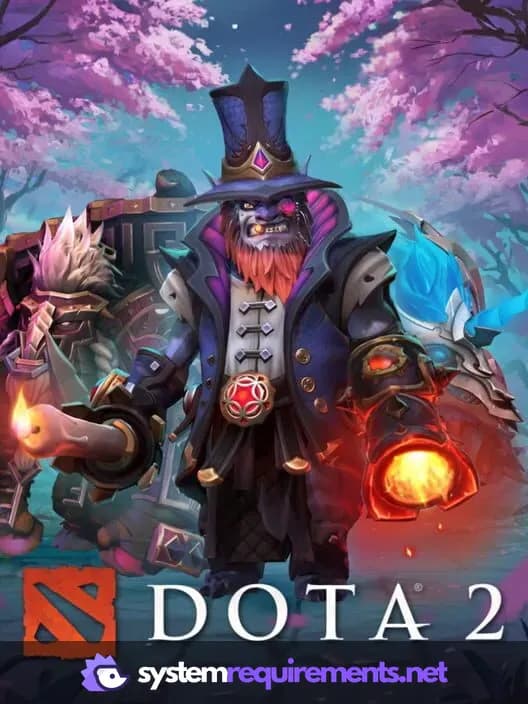
Dota 2 Game Info
Developer
Valve
Publisher
Valve
Release Date
July 9, 2013
Platforms
Linux, PC (Microsoft Windows), Mac
Genres
StrategyMOBA
Game Modes
- Multiplayer
- Co-operative
Dota 2 Screenshots




Optimize Your PC for Dota 2
Use our free tools to analyze and improve your gaming performance