
All Games
The Witcher 3: Wild Hunt System Requirements
October 26, 2018
Experience a dark fantasy world with monster hunter Geralt of Rivia in The Witcher 3: Wild Hunt, then steel yourself for brutal combat in the unforgiving action RPG, Dark Souls III. This package delivers two distinct, challenging adventures.
The Witcher 3: Wild Hunt Minimum & Recommended Specs
Minimum: Intel Core i5-2500K, Nvidia GeForce GTX, 6 GB RAM. Recommended: 8 GB RAM RAM.
Minimum System Requirements
Recommended System Requirements
Quick Performance Tips for The Witcher 3: Wild Hunt
#1
Lower shadow quality for a significant FPS boost.
#2
Disable or reduce the 'HairWorks' setting.
#3
Experiment with different resolutions.
#4
Close background apps to free up RAM.
The Witcher 3: Wild Hunt System Requirements FAQ
Can I run The Witcher 3: Wild Hunt on a low-end PC?
If your PC meets the *minimum* requirements (Intel Core i5-2500K/AMD Phenom II X4 940, Nvidia GeForce GTX 660/AMD Radeon HD 7870, 6GB RAM), you should be able to run the game at low settings and a lower resolution (like 720p or 900p) with playable framerates. Performance will vary depending on specific hardware and settings.
What GPU do I need for The Witcher 3: Wild Hunt?
The *minimum* GPU requirement is an Nvidia GeForce GTX 660 or an AMD Radeon HD 7870 (both with 2GB VRAM). For a better experience at higher settings, an Nvidia GeForce GTX 770 or an AMD Radeon R9 290 (also with 2GB VRAM) is *recommended*.
How much RAM does The Witcher 3: Wild Hunt need?
The *minimum* RAM requirement is 6GB. However, 8GB of RAM is *recommended* for smoother gameplay and to avoid potential stuttering or performance issues, especially at higher settings.
Will The Witcher 3: Wild Hunt run on integrated graphics?
It's highly unlikely that The Witcher 3: Wild Hunt will run smoothly on integrated graphics. The game is demanding, and integrated GPUs generally lack the power to handle its graphical requirements, even at the lowest settings. You'll likely experience very low framerates and significant graphical issues.
What is the best graphics settings for The Witcher 3: Wild Hunt?
The 'best' settings depend on your hardware. Start with the *recommended* settings. If performance is poor, lower settings like texture quality, shadow quality, and foliage visibility. HairWorks is very demanding, so disable it if needed. Experiment to find a balance between visual fidelity and performance.
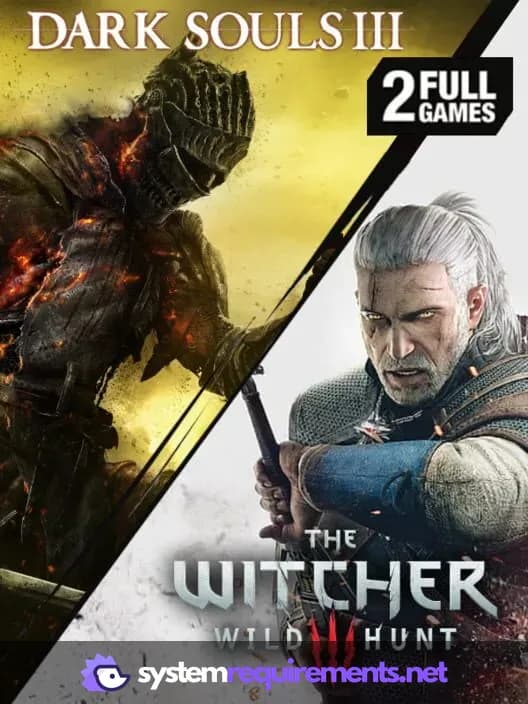
The Witcher 3: Wild Hunt Game Info
Publisher
Bandai Namco Entertainment
Release Date
October 26, 2018
Platforms
PlayStation 4, Xbox One
Genres
Role-playing (RPG)Adventure
Game Modes
- Single player
- Multiplayer
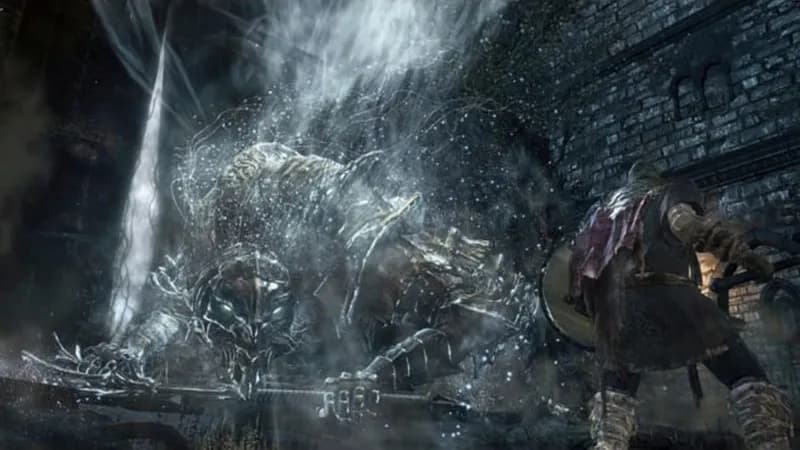
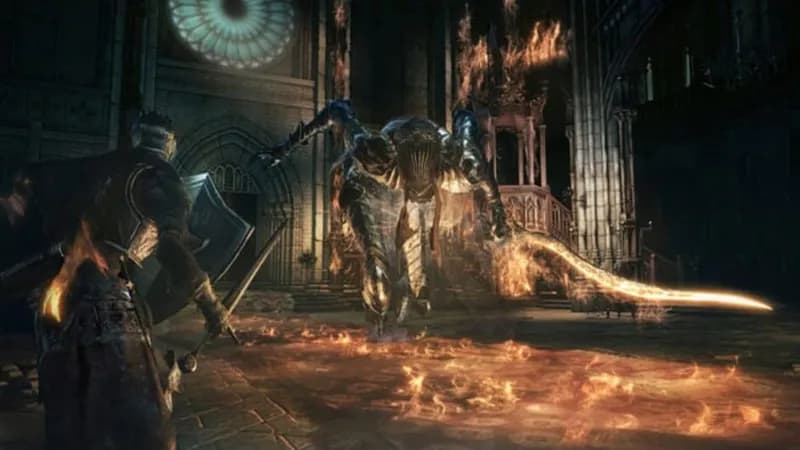
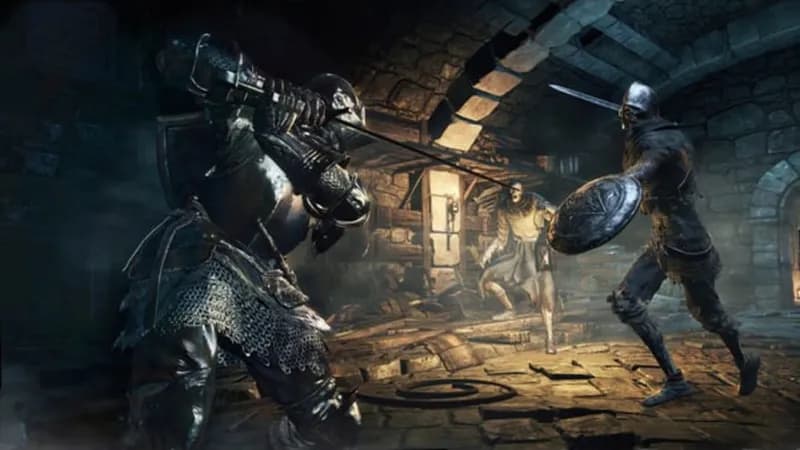
The Witcher 3: Wild Hunt Screenshots
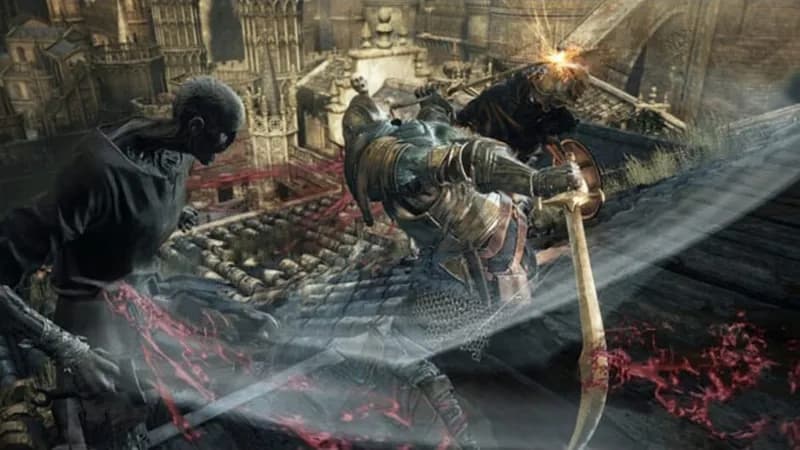
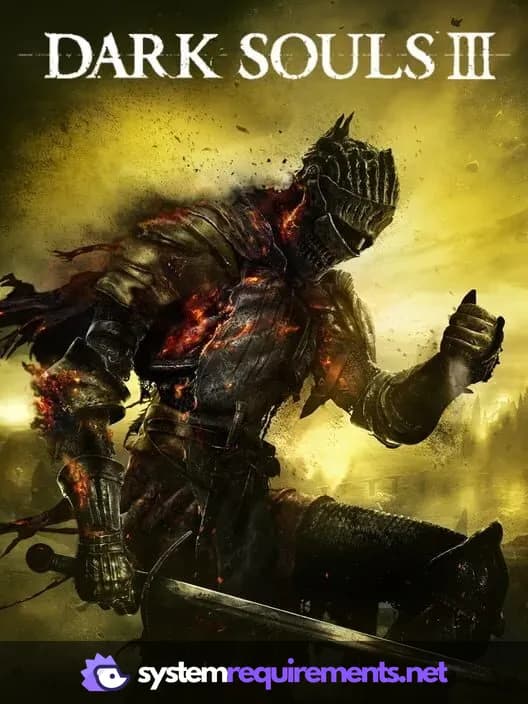

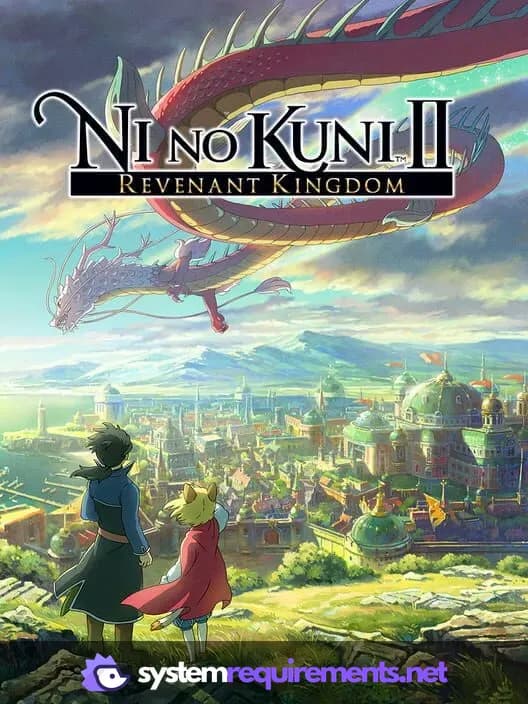
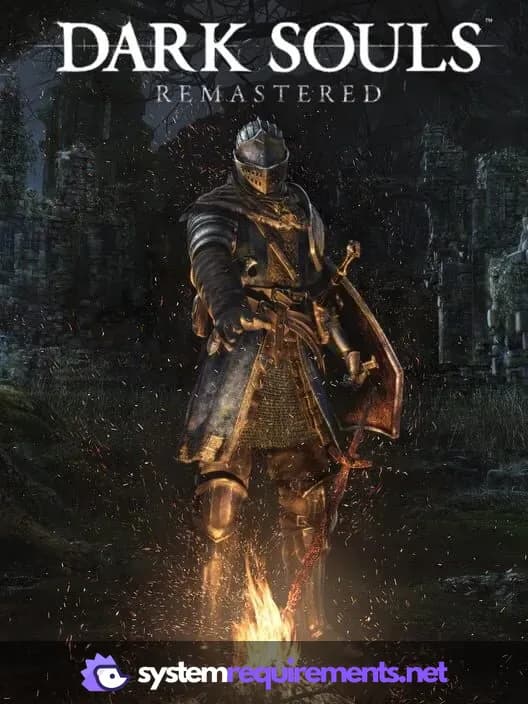

Optimize Your PC for The Witcher 3: Wild Hunt
Use our free tools to analyze and improve your gaming performance