
All Games
Lunars System Requirements
September 28, 2021
Confront a spectral menace in Lunars, where cerebral puzzles mix with tense pursuit and narrative choices. Expect light combat and horror elements, but the core experience centers on exploration and unraveling a mystery.
Lunars Minimum & Recommended Specs
Minimum: Intel Core i3-4160, NVIDIA GeForce GTX, 4 GB RAM. Recommended: 8 GB RAM RAM.
Minimum System Requirements
Recommended System Requirements
Upgrade Your Hardware
Quick Performance Tips for Lunars
#1
Lower your resolution for a quick FPS boost.
#2
Disable anti-aliasing for improved performance.
#3
Close unnecessary background applications.
#4
Update your graphics drivers for optimal performance.
Lunars System Requirements FAQ
Can I run Lunars on a low-end PC?
If your PC meets the minimum requirements (Intel Core i3-4160, NVIDIA GeForce GTX 560, 4 GB RAM), you should be able to run Lunars, but you may need to lower the graphics settings for a smoother experience.
What GPU do I need for Lunars?
At a minimum, you'll need an NVIDIA GeForce GTX 560. For the best experience, we recommend an NVIDIA GeForce GTX 960 or equivalent.
How much RAM does Lunars need?
Lunars requires at least 4 GB of RAM to run. We recommend 8 GB of RAM for optimal performance and smoother gameplay.
Will Lunars run on integrated graphics?
While it's possible Lunars *might* run on some integrated graphics solutions, we strongly recommend a dedicated graphics card (like the GTX 560 or better) for a playable experience. Performance will likely be poor on integrated graphics.
What is the best graphics settings for Lunars?
If you meet the recommended specs, you should be able to run Lunars on high settings. If you're closer to the minimum, try starting with medium or low settings and adjusting from there to find a balance between visual quality and performance.
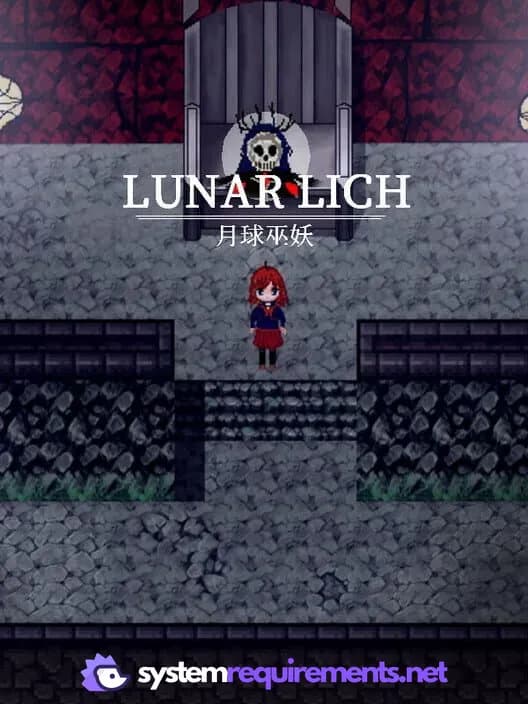
Lunars Game Info
Release Date
September 28, 2021
Platforms
PC (Microsoft Windows)
Genres
AdventureIndie
Game Modes
- Single player
Lunars Screenshots
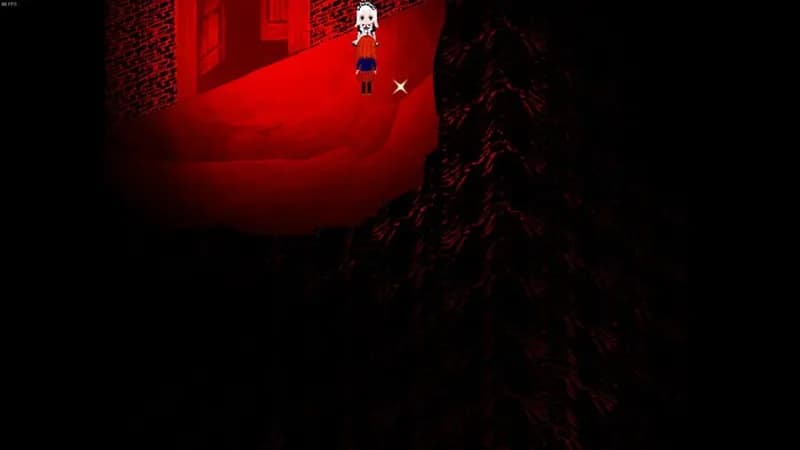
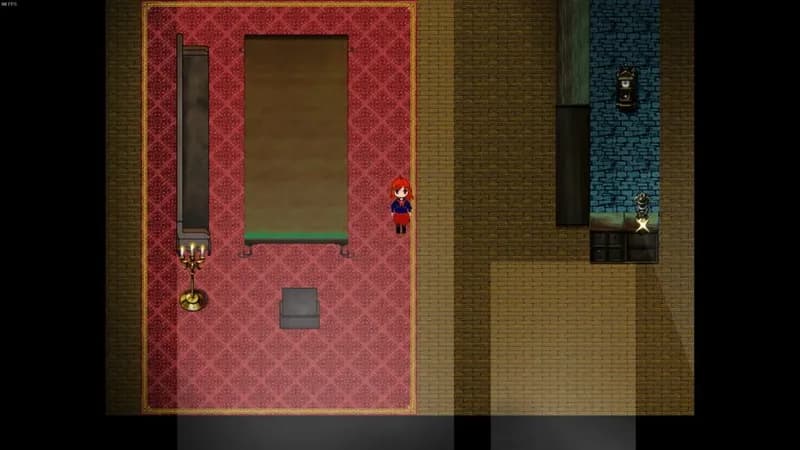
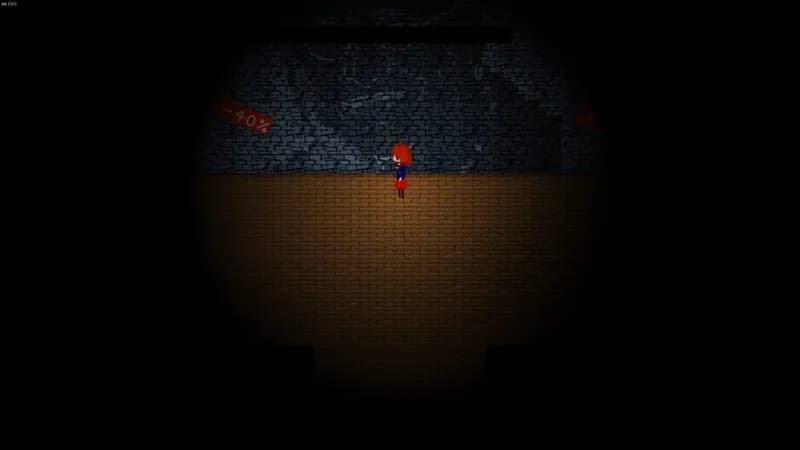
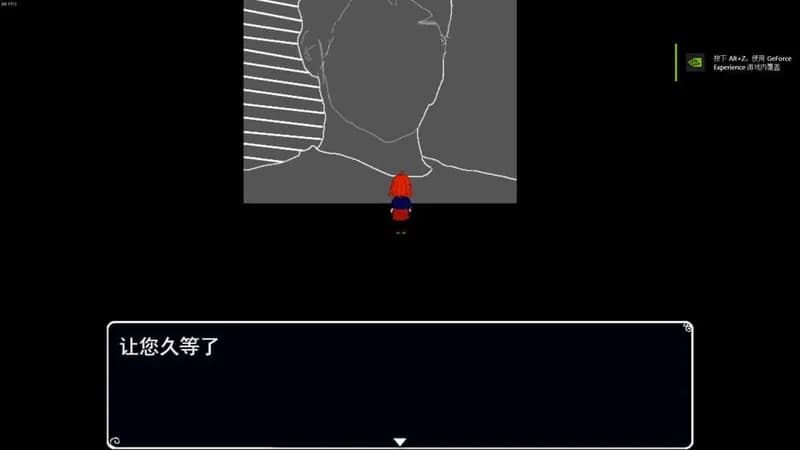

Optimize Your PC for Lunars
Use our free tools to analyze and improve your gaming performance