
All Games
Rust - Voice Props Pack System Requirements
July 1, 2021
Expand your Rust experience with the Voice Props Pack, offering new in-game items centered around audio communication. This DLC enhances player interaction with sound-based tools and equipment.
Rust - Voice Props Pack Minimum & Recommended Specs
Minimum: Intel Core i7-3770, Nvidia GeForce GTX, 10 GB RAM. Recommended: 16 GB RAM RAM.
Minimum System Requirements
Recommended System Requirements
Upgrade Your Hardware
Quick Performance Tips for Rust - Voice Props Pack
#1
Lower graphics settings for better FPS.
#2
Close background apps to free up RAM.
#3
Update your graphics drivers.
#4
Defragment your hard drive (if not using an SSD).
Rust - Voice Props Pack System Requirements FAQ
Can I run Rust - Voice Props Pack on a low-end PC?
The Voice Props Pack requires a decent gaming PC. For minimum settings, you'll need at least an Intel Core i7-3770 and an Nvidia GeForce GTX 980 with 10GB of RAM. Lower specs may result in poor performance or inability to run the game.
What GPU do I need for Rust - Voice Props Pack?
The minimum GPU is an Nvidia GeForce GTX 980. For a smoother experience at higher settings, an Nvidia GeForce GTX 1060 or better is recommended.
How much RAM does Rust - Voice Props Pack need?
You need at least 10GB of RAM to run the Voice Props Pack. 16GB of RAM is recommended for optimal performance and to avoid stuttering, especially on populated servers.
Will Rust - Voice Props Pack run on integrated graphics?
It's highly unlikely that the Voice Props Pack will run well, if at all, on integrated graphics. A dedicated graphics card like the minimum spec GTX 980 is required for acceptable performance.
What is the best graphics settings for Rust - Voice Props Pack?
Start with the 'Potato' or 'Fastest' preset and gradually increase settings like texture quality and draw distance until you find a balance between visual fidelity and performance. Monitor your FPS to ensure a smooth experience.
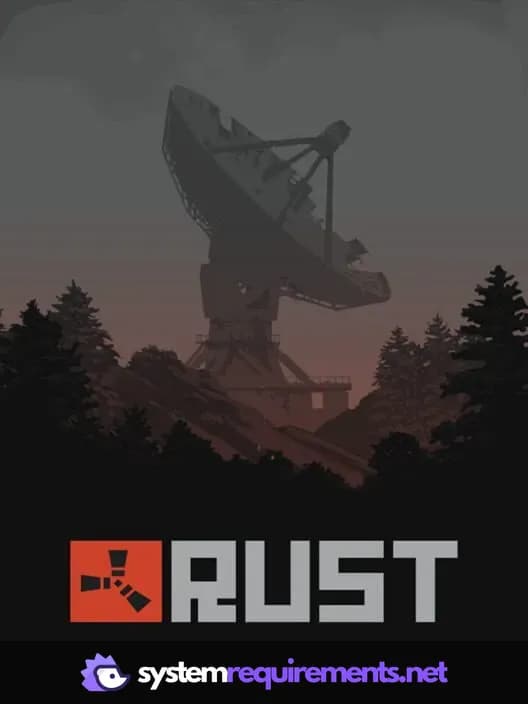
Rust - Voice Props Pack Game Info
Release Date
July 1, 2021
Platforms
PC (Microsoft Windows), Mac
Genres
AdventureIndie
Game Modes
- Multiplayer
- Co-operative
- Massively Multiplayer Online (MMO)
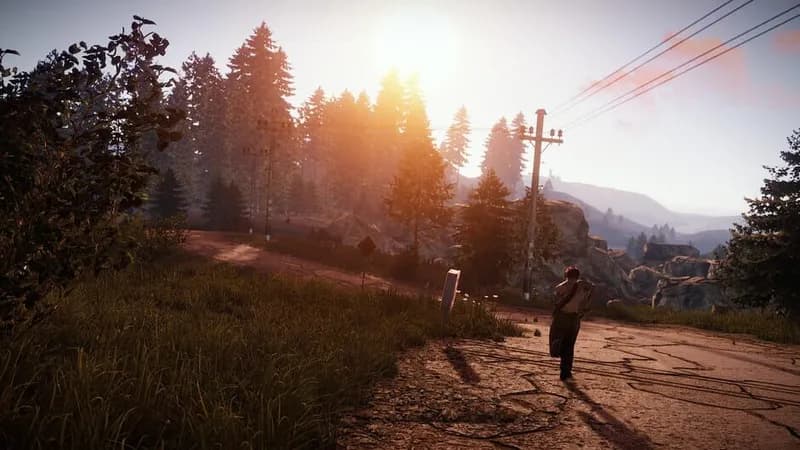
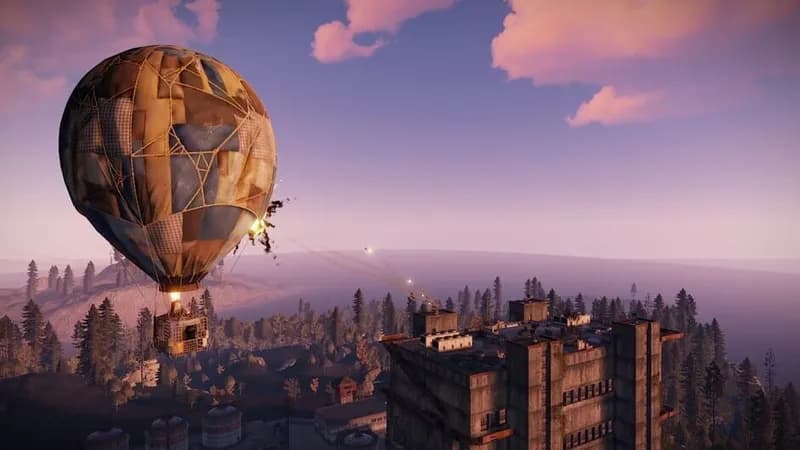
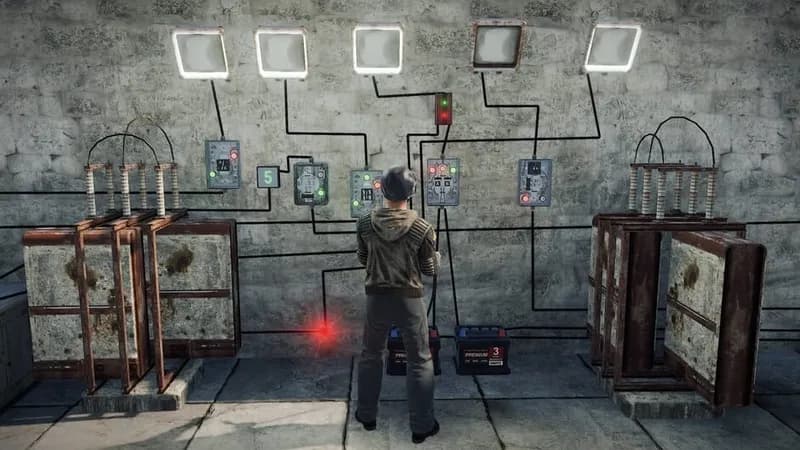
Rust - Voice Props Pack Screenshots
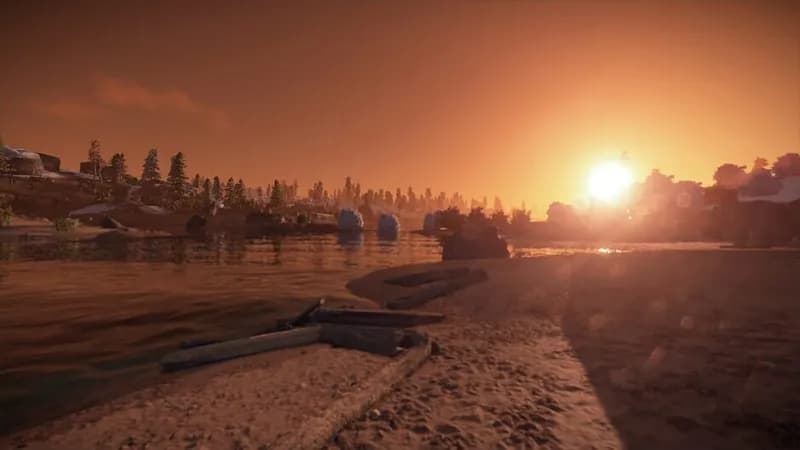


Optimize Your PC for Rust - Voice Props Pack
Use our free tools to analyze and improve your gaming performance