
All Games
Mirror's Edge System Requirements
September 2, 2009IronMonkey Studios
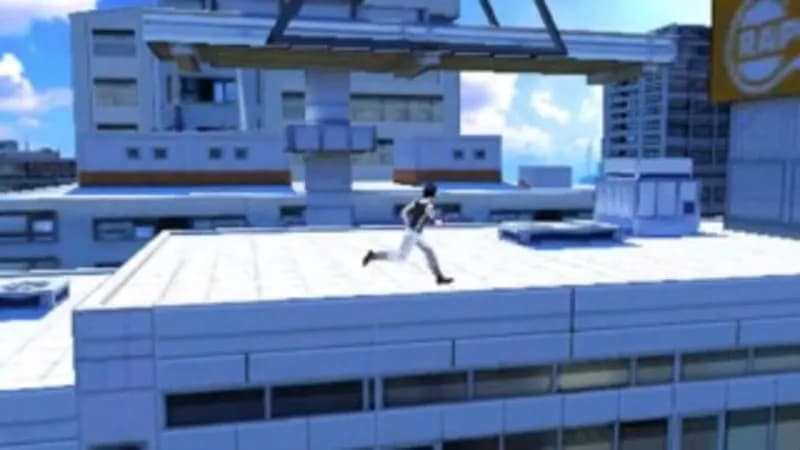
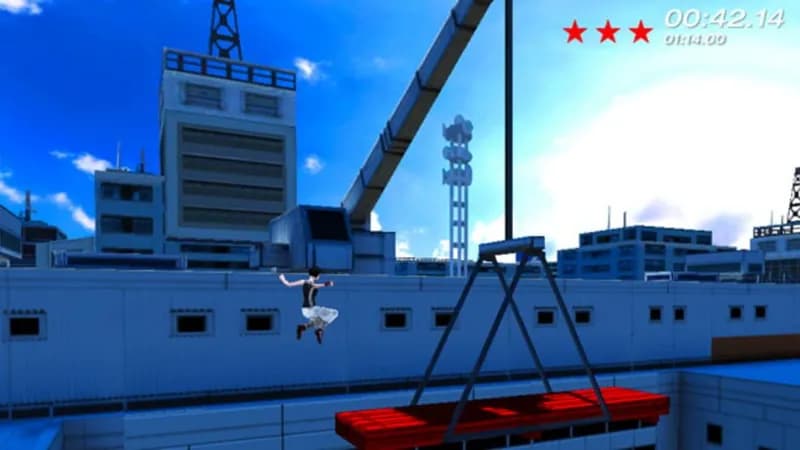
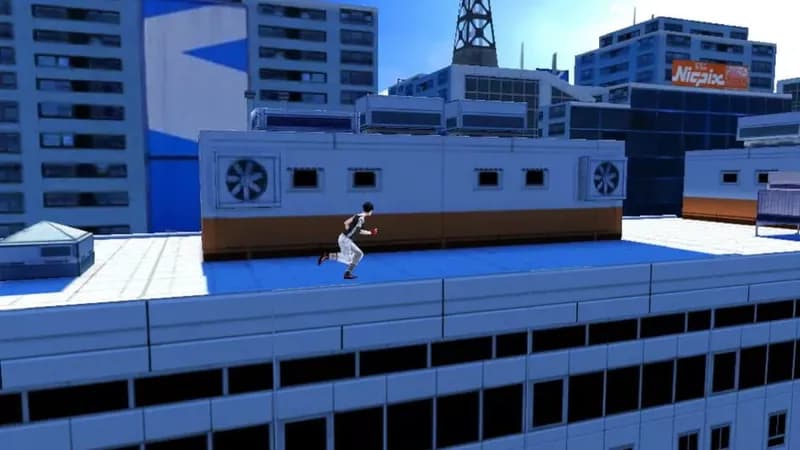
Before Faith ran free on consoles, she honed her parkour skills in this 2.5D prequel. Originally crafted for mobile devices, this sidescrolling adventure explores the origins of the Runners and the powerful forces they defied.
Mirror's Edge Minimum & Recommended Specs
Minimum: Intel Pentium 4, NVIDIA GeForce 6800, 1 GB RAM. Recommended: 2 GB RAM RAM.
Minimum System Requirements
Recommended System Requirements
Trailer
Quick Performance Tips for Mirror's Edge
#1
Lower texture detail for a significant FPS boost.
#2
Disable or reduce shadow quality for better performance.
#3
Close background applications to free up RAM.
#4
Run the game in a lower resolution if needed.
Mirror's Edge System Requirements FAQ
Can I run Mirror's Edge on a low-end PC?
If your PC meets the minimum requirements (Intel Pentium 4 2.4 GHz / AMD Athlon 64 2800+, NVIDIA GeForce 6800 / ATI Radeon X1650, 1 GB RAM), you should be able to run Mirror's Edge at lower settings. However, expect performance issues. For a smoother experience, aim for the recommended specs.
What GPU do I need for Mirror's Edge?
At a minimum, you'll need an NVIDIA GeForce 6800 or an ATI Radeon X1650. For better performance, an NVIDIA GeForce 8800 or an ATI Radeon HD 3870 is recommended.
How much RAM does Mirror's Edge need?
Mirror's Edge requires at least 1 GB of RAM to run. However, 2 GB of RAM is recommended for a smoother and more stable experience, especially at higher settings.
Will Mirror's Edge run on integrated graphics?
It's unlikely Mirror's Edge will run well, or at all, on most integrated graphics solutions from the time of its release. Integrated graphics generally don't meet the minimum GPU requirements.
What is the best graphics settings for Mirror's Edge?
If you meet the recommended specs, you can likely run the game on medium to high settings. If you're on the minimum specs, start with the lowest settings and gradually increase them until you find a balance between visual quality and performance. Pay attention to texture detail and shadow quality, as these can significantly impact performance.
Mirror's Edge Game Info
Developer
IronMonkey Studios
Publisher
Electronic Arts
Release Date
September 2, 2009
Platforms
Windows Phone, iOS
Genres
PlatformAdventure
Game Modes
- Single player
- Split screen
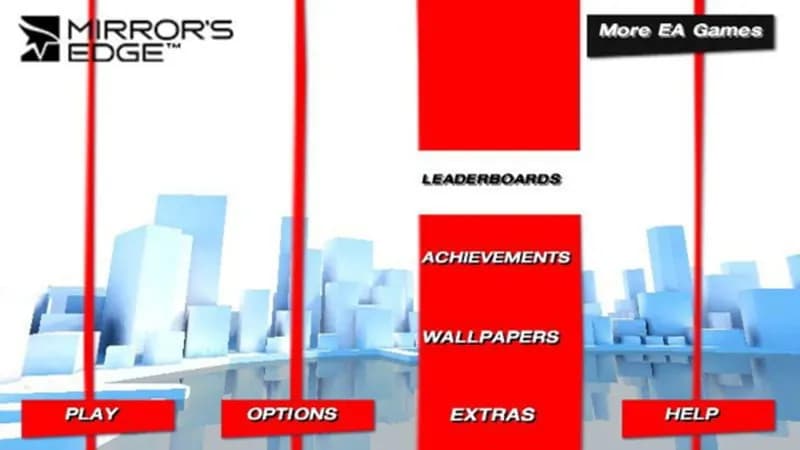
Mirror's Edge Screenshots
Games Similar to Mirror's Edge

Optimize Your PC for Mirror's Edge
Use our free tools to analyze and improve your gaming performance