
All Games
Monster Hunter: World System Requirements
January 26, 2018Capcom93/100
Track colossal beasts across a dynamic ecosystem in Monster Hunter: World. Gear up using scavenged materials from fallen monsters to face increasingly challenging hunts solo or with a team of up to four players.
Monster Hunter: World Minimum & Recommended Specs
Minimum: Intel Core i5-4460, NVIDIA GeForce GTX, 8 GB RAM. Recommended: 8 GB RAM RAM.
Minimum System Requirements
Recommended System Requirements
Multiplay Gameplay Trailer
Quick Performance Tips for Monster Hunter: World
#1
Lower resolution for a big FPS boost.
#2
Disable volumetric rendering for better performance.
#3
Reduce shadow quality for smoother gameplay.
#4
Update your graphics drivers for optimal performance.
Monster Hunter: World System Requirements FAQ
Can I run Monster Hunter: World on a low-end PC?
If your PC meets the minimum requirements (Intel Core i5-4460 or AMD FX-6300, NVIDIA GeForce GTX 760 or AMD Radeon R7 260x, 8GB RAM), you should be able to run Monster Hunter: World at lower settings and resolution. Performance may vary depending on your specific hardware configuration.
What GPU do I need for Monster Hunter: World?
The minimum GPU requirement is an NVIDIA GeForce GTX 760 (2GB VRAM) or AMD Radeon R7 260x (2GB VRAM). For recommended settings, aim for an NVIDIA GeForce GTX 1060 (3GB VRAM) or AMD Radeon RX 570 (4GB VRAM).
How much RAM does Monster Hunter: World need?
Monster Hunter: World requires a minimum of 8 GB of RAM. While the recommended specs also list 8GB, having more RAM (16GB+) can improve performance and reduce stuttering, especially at higher settings.
Will Monster Hunter: World run on integrated graphics?
It's unlikely that Monster Hunter: World will run well, or at all, on integrated graphics. The game requires a dedicated graphics card with at least 2GB of VRAM to function properly. Integrated graphics generally don't meet these requirements.
What is the best graphics settings for Monster Hunter: World?
The 'best' settings depend on your hardware. Start with the 'Low' preset and gradually increase settings like texture quality and shadow quality until you find a balance between visual fidelity and performance. Experiment with disabling resource-intensive options like ambient occlusion and volumetric rendering.
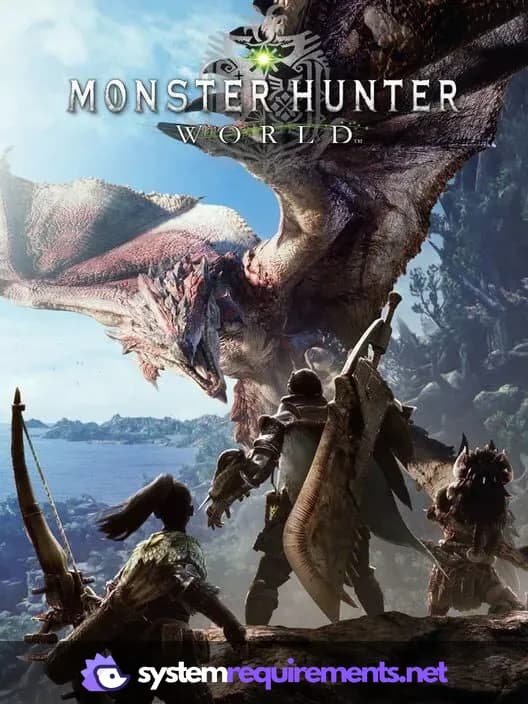
Monster Hunter: World Game Info
Developer
Capcom
Publisher
Capcom
Release Date
January 26, 2018
Platforms
PlayStation 4, PC (Microsoft Windows), Xbox One
Genres
Role-playing (RPG)Adventure
Game Modes
- Single player
- Multiplayer
- Co-operative
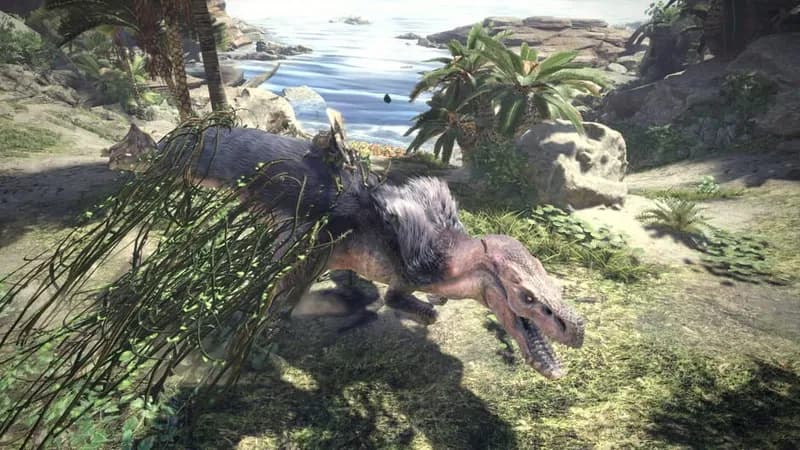
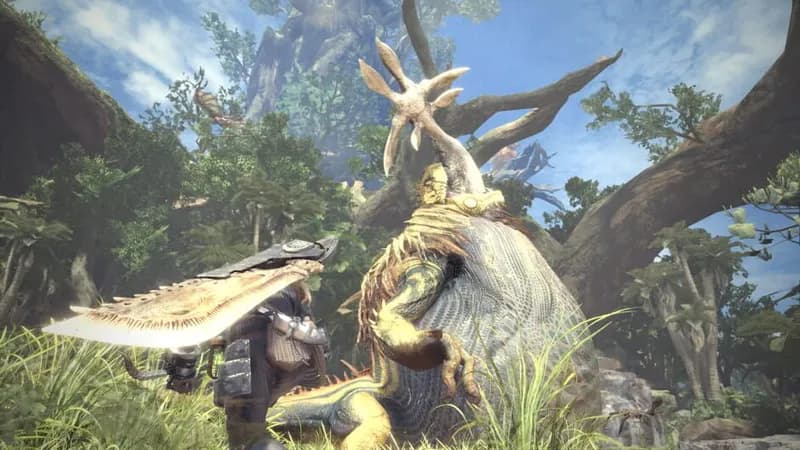
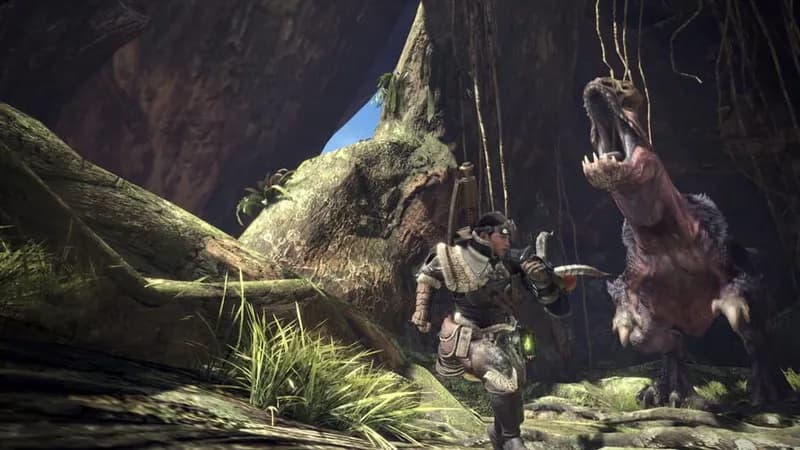
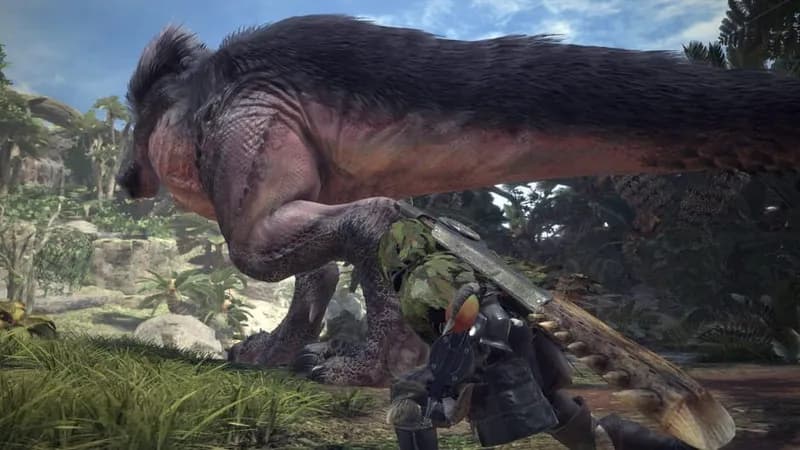
Monster Hunter: World Screenshots

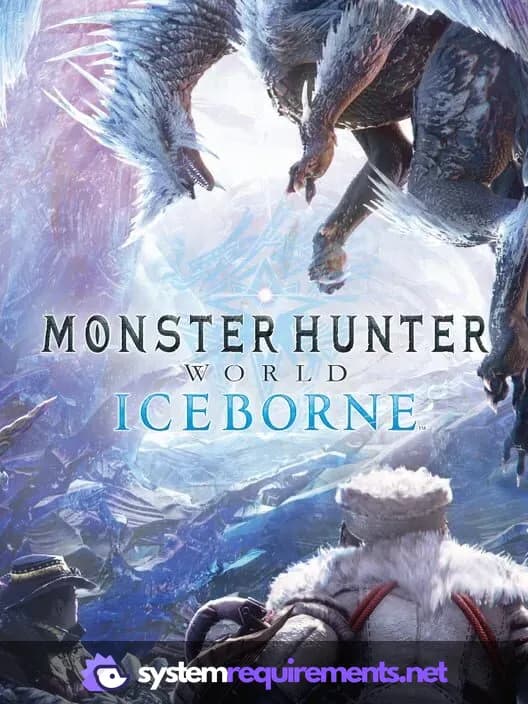
Optimize Your PC for Monster Hunter: World
Use our free tools to analyze and improve your gaming performance