
All Games
The Castles of Burgundy System Requirements
February 27, 2019DIGIDICED
The strategy board game "The Castles of Burgundy," originally by Stefan Feld and Ravensburger, is now available on Steam. Play solo against AI or challenge friends in this digital adaptation of the tabletop classic.
The Castles of Burgundy Minimum & Recommended Specs
Minimum: 1.5 GHz, OpenGL 2.1 compatible, 2 GB RAM. Recommended: 4 GB RAM RAM.
Minimum System Requirements
Recommended System Requirements
Upgrade Your Hardware
Quick Performance Tips for The Castles of Burgundy
#1
Close unnecessary background apps to free up RAM.
#2
Lower the game resolution if you experience lag.
#3
Update your graphics drivers for optimal performance.
#4
Ensure your PC meets the minimum RAM requirement.
The Castles of Burgundy System Requirements FAQ
Can I run The Castles of Burgundy on a low-end PC?
The Castles of Burgundy has relatively low system requirements. If your PC meets the minimum specifications (1.5 GHz processor, OpenGL 2.1 compatible card, and 2 GB of RAM), you should be able to run the game, although you might experience lower frame rates or need to adjust graphics settings.
What GPU do I need for The Castles of Burgundy?
At a minimum, you'll need a graphics card that is OpenGL 2.1 compatible. For a smoother experience, we recommend a card compatible with OpenGL 3.0.
How much RAM does The Castles of Burgundy need?
The Castles of Burgundy requires a minimum of 2 GB of RAM. For optimal performance, we recommend 4 GB of RAM.
Will The Castles of Burgundy run on integrated graphics?
It depends on the specific integrated graphics card. If it meets the minimum OpenGL 2.1 requirement and your system has at least 2GB of RAM, it *may* run, but performance might be limited. Check your integrated GPU's specifications.
What is the best graphics settings for The Castles of Burgundy?
The game doesn't have extensive graphics settings. If you experience performance issues, try closing other applications running in the background. If available, reduce resolution or disable any optional visual effects within the game's settings.

The Castles of Burgundy Game Info
Developer
DIGIDICED
Publisher
DIGIDICED
Release Date
February 27, 2019
Platforms
Linux, PC (Microsoft Windows), iOS, Mac
Genres
StrategyIndie
Game Modes
- Single player
- Multiplayer
The Castles of Burgundy Screenshots
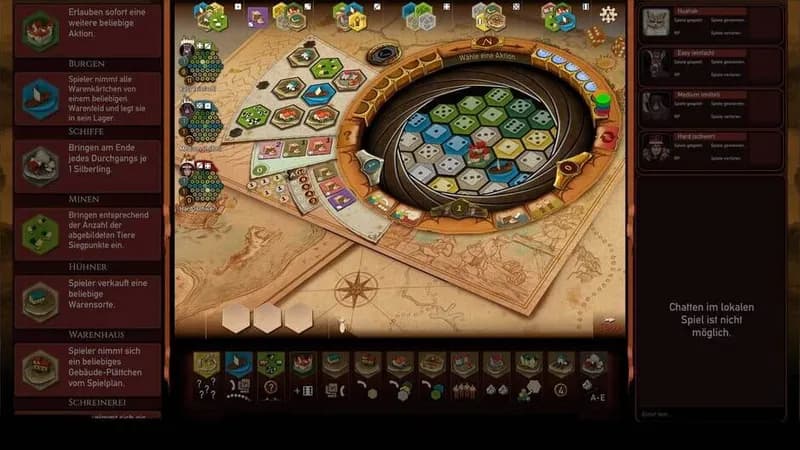
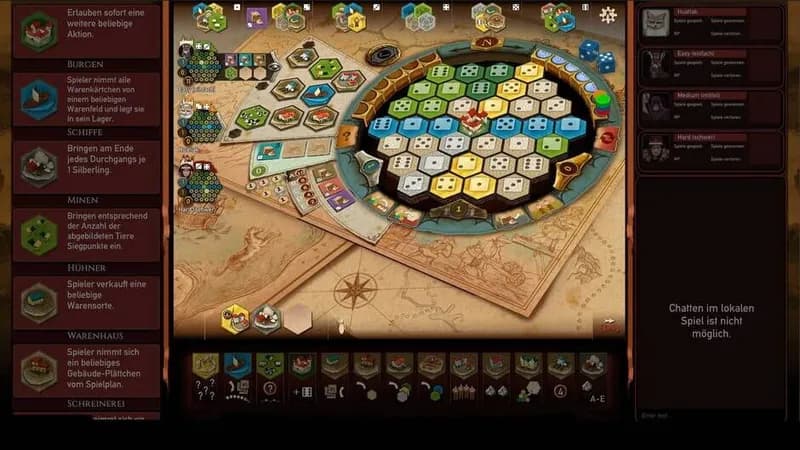

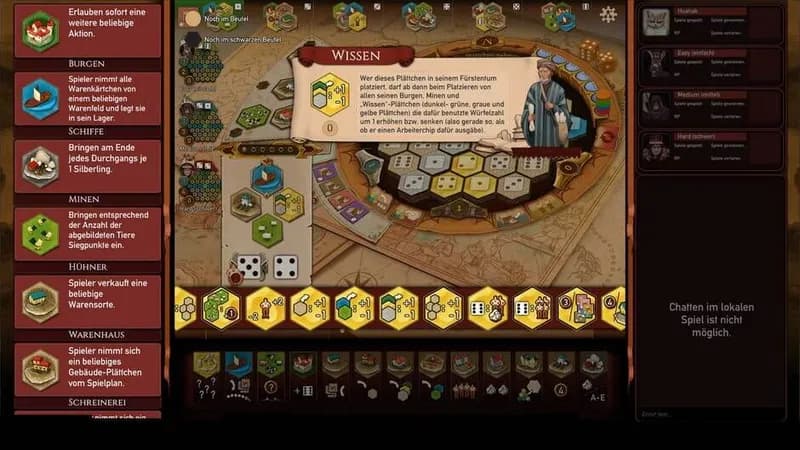





Optimize Your PC for The Castles of Burgundy
Use our free tools to analyze and improve your gaming performance