
Guide
Common Buying Mistakes
Avoid costly errors when buying backup storage. Discover the most common buying mistakes and learn how to size your storage accurately using the Backup Storage Calculator.
Updated 2026-07-05
Understanding Common Buying Mistakes in Backup Storage
Choosing the right backup storage is critical for any business or individual who values their data. However, many buyers fall into the same traps when estimating how much storage they actually need. Falling for these mistakes can lead to overspending, running out of space, or even losing important files.
One of the most common buying mistakes is relying on rough guesses or outdated rules of thumb instead of using data-driven methods. Backup requirements can change rapidly as your data grows, your retention policies change, or new file types emerge. Without a clear understanding of your current and future needs, you risk buying either too much or too little storage.
Another common issue is underestimating the impact of retention settings, compression, and backup frequency. Many users forget to factor in how long they plan to keep backups, which can multiply storage needs quickly. Others ignore the space saved by compression or deduplication, leading to unnecessary costs. Using a tool like the Backup Storage Calculator helps you account for all these variables and gives you a realistic estimate tailored to your environment.
By recognizing these pitfalls and taking a methodical approach, you can avoid wasting money or leaving your data unprotected. The rest of this guide will walk you through the most frequent mistakes, how to avoid them, and how to use tools to get your sizing right on the first try.
How to Avoid Backup Storage Buying Mistakes
To avoid common buying mistakes, start by understanding your data landscape in detail. Break down your data by type, size, and growth rate. Consider both structured data, like databases, and unstructured data, such as documents, images, and videos. Document how often your data changes and how frequently you plan to back it up.
Retention policies are another key factor. Many buyers overlook how quickly storage needs can balloon when keeping daily, weekly, or monthly backups for extended periods. For example, keeping daily backups for a month and monthly backups for a year multiplies your storage requirements far beyond the size of your original data set. Use the Backup Storage Calculator to model different retention scenarios and see the real impact on total storage needed.
Compression and deduplication technologies can also affect your calculations. Some backup solutions compress data before storing it, reducing overall space consumption. Deduplication eliminates duplicate files or blocks, further shrinking storage needs. Always check if your backup software provides these features and adjust your calculations accordingly.
Finally, factor in future growth. Data rarely stays static. Predict how much your storage needs might increase over the next one to three years, and size your backup solution to accommodate that growth. Document your assumptions and revisit your calculations regularly to keep your backup storage right-sized.
Step-by-step
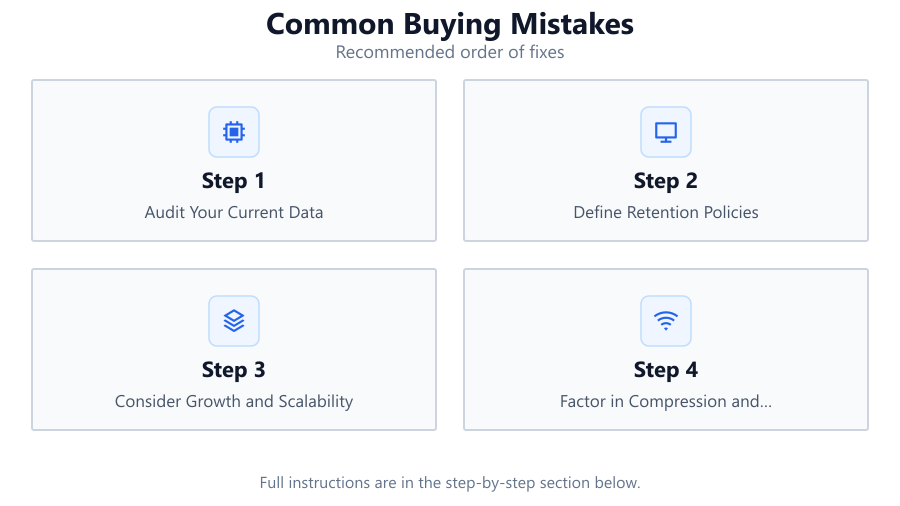
Audit Your Current Data
Inventory all data sources you plan to back up. Categorize files by type, size, and frequency of change. This helps you understand your baseline storage requirements.
Define Retention Policies
Decide how long you need to keep each type of backup, such as daily, weekly, or monthly copies. Longer retention increases total storage needs exponentially.
Consider Growth and Scalability
Project your data growth over the next few years. Add a buffer to your storage estimates to avoid running out of space as your needs evolve.
Factor in Compression and Deduplication
If your backup software supports compression or deduplication, adjust your storage calculations downward. Check vendor documentation for realistic savings percentages.
Use the Backup Storage Calculator
Input your data, retention settings, and growth estimates into the Backup Storage Calculator. The tool provides an accurate, customized estimate of your total backup storage needs.
Comparison
| Scenario | Common Mistake | Best Practice |
|---|---|---|
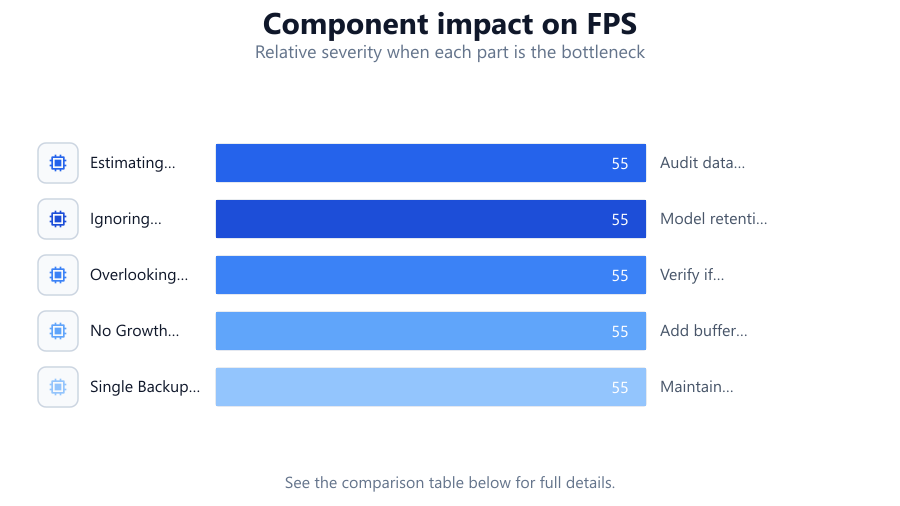
| Estimating by Guesswork | Not measuring actual data size | Audit data with tools and logs |
| Ignoring Retention Needs | Forgetting to account for long-term backups | Model retention with a calculator |
| Overlooking Compression | Assuming all data is stored uncompressed | Verify if your backup supports compression |
| No Growth Planning | Sizing only for current needs | Add buffer for projected growth |
| Single Backup Set | Only backing up one copy | Maintain multiple sets for redundancy |
Common mistakes
Mistake
Estimating storage needs by guesswork
Fix: Use inventory tools and the Backup Storage Calculator to measure actual data size and backup requirements.
Mistake
Ignoring retention policy impact
Fix: Model your retention settings in detail, including all backup versions and timeframes, using a calculator.
Mistake
Overestimating or underestimating compression savings
Fix: Check your backup software's compression and deduplication features, and use realistic savings rates in your calculations.
Mistake
Not accounting for data growth
Fix: Project data growth over several years and add a safety margin to your storage estimates.
Troubleshooting
Backup jobs fail due to insufficient storage
Likely cause: Storage was under-provisioned during initial planning
What to do: Recalculate requirements with the Backup Storage Calculator and expand your storage pool.
Unexpectedly high storage costs
Likely cause: Over-provisioning due to not factoring in compression or deduplication
What to do: Review actual backup storage usage and adjust future purchases based on real data savings.
Running out of space before retention period ends
Likely cause: Retention settings were not fully considered in sizing
What to do: Model all retention tiers in the Backup Storage Calculator to ensure all backups will fit.
Recommendations
- Always audit your actual data before purchasing backup storage.
- Use a tool like the Backup Storage Calculator to model retention and growth.
- Update your storage estimates annually or after major changes to your data.
- Consult your backup software documentation for accurate compression and deduplication rates.
- Plan for at least 20 percent storage overhead to handle unexpected growth or changes.
Frequently asked questions
How do I know how much backup storage I really need?
Start by auditing your current data, then factor in your retention policies, backup frequency, and expected growth. Use the Backup Storage Calculator for accurate sizing.
What happens if I buy too little backup storage?
You may run out of space, causing backup jobs to fail or forcing you to delete older backups before you want to. This can put your data at risk.
Is it safe to rely on compression and deduplication savings?
These features can save significant space, but savings rates vary. Check your backup software's documentation and use conservative estimates in your calculations.
How often should I review my backup storage needs?
Review your storage requirements at least annually or after any large increase in data size or change in retention policy.