
Guide
Common Buying Mistakes
Avoid the most common buying mistakes when choosing a CPU. Discover actionable tips to select the right processor and prevent costly errors.
Updated 2026-07-05
Understanding Common Buying Mistakes in CPU Selection
Building a new PC or upgrading your existing system is exciting, but it is easy to fall victim to common buying mistakes, especially when it comes to choosing the right CPU. Many buyers focus only on clock speed or core count, overlooking other crucial factors that impact real-world performance. Without proper research and comparison, you may end up with a processor that bottlenecks your system or fails to meet your needs.
The CPU Comparison tool at SystemRequirements.net allows you to compare over 1000 Intel and AMD CPUs side-by-side. This makes it easier to avoid mismatches and poor choices. However, even with advanced tools, knowing the pitfalls is essential to making a smart purchase.
Mistakes like buying the latest CPU without checking motherboard compatibility, or ignoring power and cooling requirements, can lead to unexpected costs and headaches. In this guide, we will break down the most frequent errors, explain how to sidestep them, and show you how to use CPU Comparison to your advantage.
How to Avoid the Most Common CPU Buying Mistakes
One of the biggest traps is focusing solely on marketing hype. Specifications like high core counts or turbo boost speeds can be impressive, but they do not always translate to better performance for your use case. For example, gaming often depends more on single-core performance, while content creation benefits from multiple cores. Using CPU Comparison, you can check benchmarks tailored to your workload, ensuring you are not misled by surface numbers.
Another frequent error is neglecting to match your CPU with your other components. Pairing a powerful CPU with a weak GPU or insufficient RAM can create bottlenecks, wasting your investment. Always balance your build and use the comparison data to check for recommended pairings.
Additionally, overlooking future-proofing can result in needing another upgrade sooner than expected. Consider the platform's upgrade path and choose a CPU that will serve you for several years, not just today. The CPU Comparison tool highlights these details, including socket compatibility and chipset support, so you can plan ahead.
Finally, do not forget to check the total cost of ownership. Some high-end CPUs require more expensive motherboards, better cooling solutions, or higher wattage power supplies. Factoring these into your budget will prevent unpleasant surprises.
Step-by-step
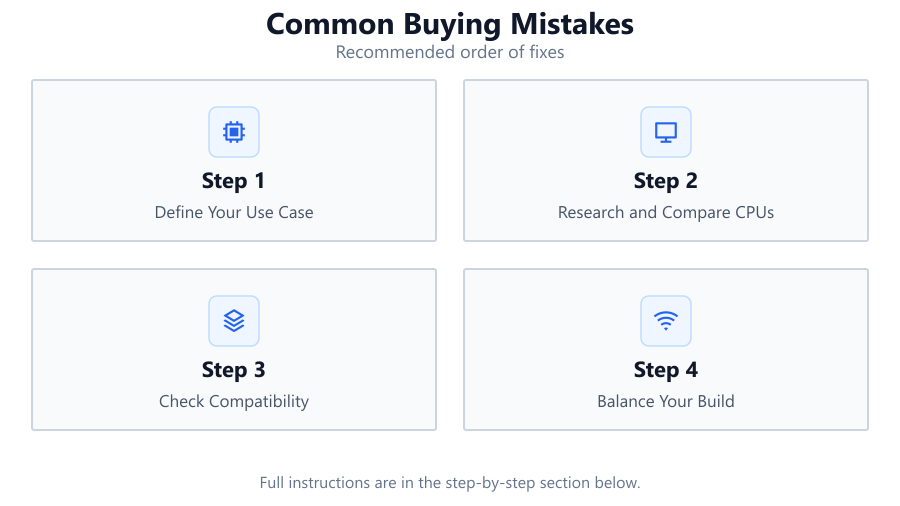
Define Your Use Case
Start by identifying what you need your PC to do: gaming, video editing, streaming, or general productivity. Your workload determines the ideal CPU type and specs.
Research and Compare CPUs
Use the CPU Comparison tool to research at least three different processors. Compare performance benchmarks, compatibility, and user reviews to find the best fit.
Check Compatibility
Ensure your chosen CPU is compatible with your motherboard, RAM, and cooling system. Double-check socket type, chipset support, and BIOS version requirements.
Balance Your Build
Do not overspend on a CPU if your GPU, RAM, or storage is underpowered. Balance your budget across all components to avoid performance bottlenecks.
Plan for the Future
Consider future-proofing by choosing a CPU with an upgradable platform. Look at the manufacturer's roadmap and support for upcoming technologies.
Comparison
| Mistake | Impact | How to Avoid |
|---|---|---|
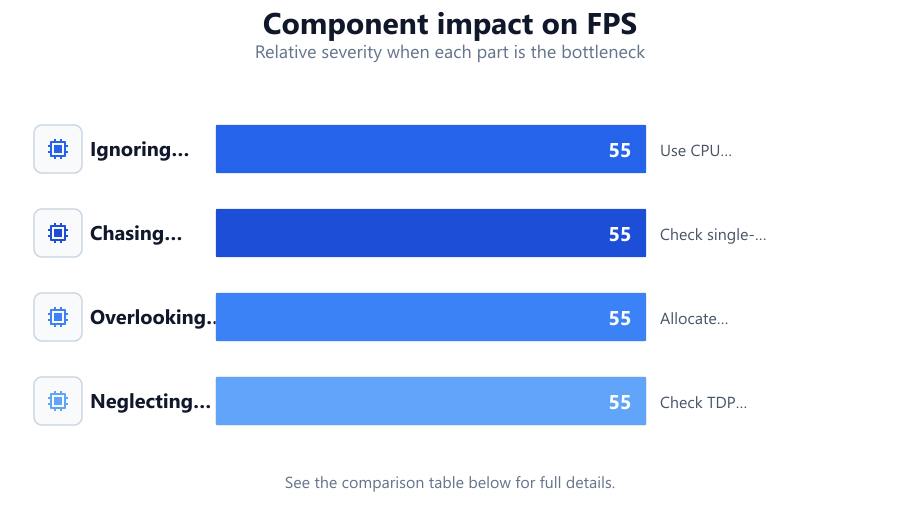
| Ignoring compatibility | System may not boot or utilize full features | Use CPU Comparison to verify motherboard, RAM, and cooling compatibility |
| Chasing high core counts for gaming | Wasted money, no extra performance in games | Check single-core benchmarks relevant to gaming in CPU Comparison |
| Overlooking total system balance | Bottlenecks, wasted budget | Allocate budget evenly and compare bottleneck risks |
| Neglecting power and cooling needs | System instability, overheating | Check TDP and cooling requirements in CPU specs |
Common mistakes
Mistake
Buying the latest CPU without checking motherboard compatibility
Fix: Always verify the socket type and chipset support with your motherboard using CPU Comparison before purchasing.
Mistake
Focusing only on core count or clock speed
Fix: Consider your primary applications and review real-world benchmarks in CPU Comparison to guide your choice.
Mistake
Ignoring power supply and cooling requirements
Fix: Check the TDP and cooling recommendations for each CPU in the CPU Comparison tool, and ensure your PSU and cooling solution are adequate.
Troubleshooting
PC does not boot after CPU upgrade
Likely cause: Incompatible socket or outdated BIOS
What to do: Check motherboard socket and update BIOS to support the new CPU. Use CPU Comparison to confirm compatibility.
Frequent system crashes or overheating
Likely cause: Insufficient cooling or wrong power supply
What to do: Upgrade your CPU cooler or power supply based on TDP info from CPU Comparison.
Games perform worse than expected
Likely cause: CPU bottleneck or mismatched components
What to do: Reevaluate your component balance using CPU Comparison and upgrade bottlenecked parts.
Recommendations
- Always double-check motherboard and CPU compatibility before buying.
- Use the CPU Comparison tool to compare specs, benchmarks, and platform features.
- Balance your budget across all components to avoid bottlenecks.
- Look beyond core count: consider real-world performance for your specific needs.
- Plan for platform longevity and future upgrades.
Frequently asked questions
How do I know if a CPU is compatible with my motherboard?
Check the socket type and chipset. Use CPU Comparison to verify both your CPU and motherboard support the same standards.
Is more cores always better?
Not always. Some tasks, like gaming, rely more on single-core performance. Use CPU Comparison to see which CPU performs best for your workload.
Why did my new CPU require a BIOS update?
Motherboards often need updated BIOS software to support newer CPUs. Check support lists and update BIOS as recommended.
What is the best way to avoid bottlenecks in my build?
Balance CPU, GPU, RAM, and storage. Use CPU Comparison to match your processor with the rest of your components for optimal performance.