
Guide
Common Buying Mistakes
Avoid costly NAS storage mistakes before you buy. This guide breaks down common buying mistakes, how to fix them, and how the NAS Storage Calculator can help you accurately plan your storage build.
Updated 2026-07-05
Overview: Why NAS Buyers Make Mistakes
Network Attached Storage (NAS) systems are increasingly popular among home users, small businesses, and professionals seeking reliable data storage. However, with so many drive types, RAID configurations, and capacity calculations, it is easy to fall for common buying mistakes that can lead to wasted money, lost data, or underwhelming performance.
The most frequent mistakes stem from misunderstanding how much usable space you will actually get after formatting, RAID setup, and system overhead. Many buyers simply add up drive sizes and expect that number to be available, only to find much less once the system is running. Others overlook expansion plans, buy incompatible hardware, or underestimate their real storage needs.
Choosing the right NAS hardware is more than just picking the biggest drives or the cheapest enclosure. It involves understanding your data protection requirements, network speeds, and how RAID affects usable space. Using tools like the NAS Storage Calculator can prevent these issues and ensure your investment delivers the capacity and reliability you expect.
Deep Dive: Avoiding and Fixing Common NAS Storage Mistakes
To make an informed decision, it is crucial to break down each step of the NAS buying process. Start by accurately determining your current and future storage needs. Many people underestimate their requirements, forgetting to factor in backups, media files, or business growth. Always over-provision your storage by at least 20 percent to avoid running out of space unexpectedly.
Next, understand how RAID levels impact usable space and data protection. RAID 1, for example, mirrors data but halves usable capacity, while RAID 5 and 6 offer better efficiency at the cost of more complex recovery processes. The NAS Storage Calculator is a vital resource for visualizing the real, formatted capacity you will have after configuring your drives, considering RAID type and drive count.
Compatibility is another common pitfall. Not all NAS enclosures accept every drive size or interface. Double-check drive support for your specific NAS model, and verify that the firmware is up to date. Network speed is equally important. Investing in fast drives is pointless if your network bottlenecks data transfer. Ensure your NAS, switch, and client devices all support the speeds you need.
Finally, plan for future upgrades. Some buyers fill all bays with identical drives, leaving no room for expansion. Consider starting with larger drive sizes or leaving a bay empty for easy upgrades. Taking a methodical approach and using the NAS Storage Calculator before purchasing can save you from the most costly mistakes.
Step-by-step
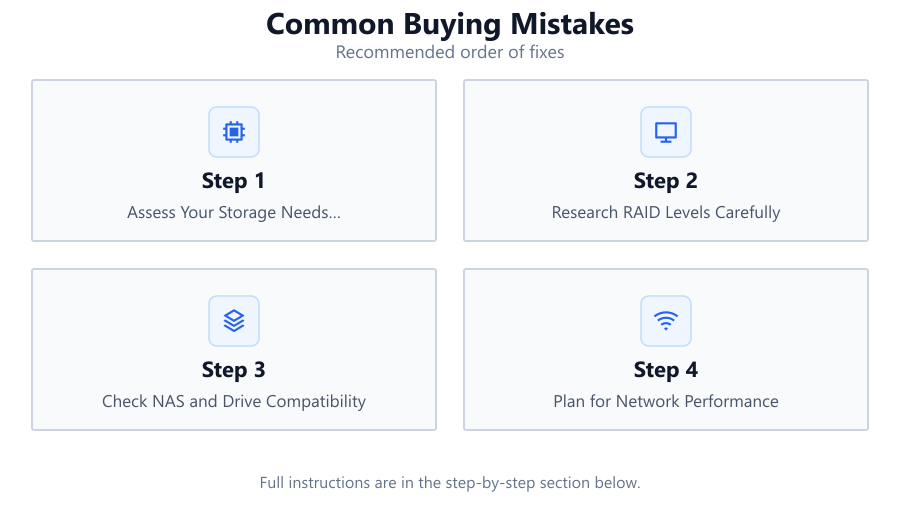
Assess Your Storage Needs Realistically
Calculate your current data usage, projected growth, and backup requirements. Include all media, documents, and business files. Over-provision by at least 20 percent to ensure you do not run out of space prematurely.
Research RAID Levels Carefully
Learn the pros and cons of RAID 0, 1, 5, 6, and 10. Each RAID level offers different balances of data protection, usable capacity, and performance. Use the NAS Storage Calculator to see exactly how much space you will have with each RAID option.
Check NAS and Drive Compatibility
Not all NAS enclosures support every drive type or size. Confirm that your chosen drives are compatible with your NAS model. Check for any firmware or hardware limitations before buying.
Plan for Network Performance
Ensure your network can handle your expected data rates. Use gigabit or faster connections between your NAS, switch, and client devices. Slow networks can bottleneck even the fastest NAS setups.
Leave Room for Future Expansion
Do not fill every drive bay immediately if possible. Consider leaving one or more bays empty or using larger drives to accommodate future storage needs without a complete rebuild.
Comparison
| Mistake | Impact | Prevention |
|---|---|---|
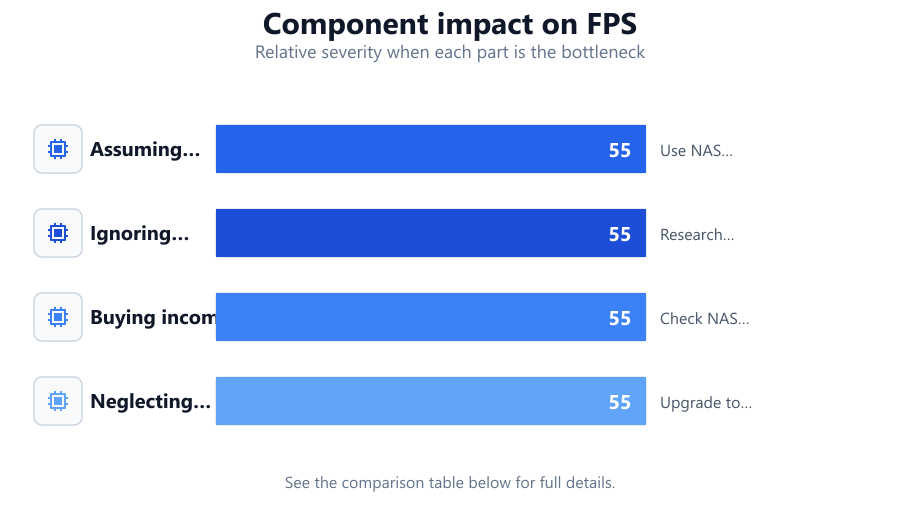
| Assuming total drive size equals usable storage | Leads to under-provisioned NAS and unexpected shortages | Use NAS Storage Calculator to check real, formatted capacity |
| Ignoring RAID overhead | Lower data protection or less space than expected | Research RAID types and simulate configurations before buying |
| Buying incompatible drives | Drives may not fit or work with NAS | Check NAS vendor compatibility lists and firmware support |
| Neglecting network speeds | Slow file transfers and poor performance | Upgrade to gigabit or faster network hardware |
Common mistakes
Mistake
Adding up total drive sizes as usable storage
Fix: Always use the NAS Storage Calculator to determine real, formatted capacity accounting for RAID and file system overhead.
Mistake
Filling all NAS bays immediately with small drives
Fix: Start with larger drives or leave expansion bays open so you can add capacity later without rebuilding the entire array.
Mistake
Ignoring network bottlenecks
Fix: Upgrade to gigabit or multi-gig network switches and ensure all client devices support the required speeds.
Troubleshooting
Less storage available than expected
Likely cause: RAID configuration and file system overhead reduce usable space
What to do: Use the NAS Storage Calculator to check the actual available capacity with your planned setup.
Drives are not detected by NAS
Likely cause: Incompatible drive model or unsupported firmware
What to do: Verify drive compatibility with your NAS model and update firmware as needed.
Slow file transfers
Likely cause: Network hardware is not fast enough
What to do: Upgrade to gigabit or faster networking equipment for both NAS and client devices.
Recommendations
- Always calculate usable NAS storage with the NAS Storage Calculator before purchasing drives or enclosures.
- Research and select the right RAID level for your protection and capacity needs.
- Verify drive and NAS hardware compatibility before buying.
- Plan for future expansion by leaving empty bays or choosing larger drives.
- Ensure your network infrastructure matches your NAS performance goals.
Frequently asked questions
Why is my NAS showing less usable space than the total drive sizes?
RAID levels, formatting, and system overhead all reduce usable capacity compared to the raw total. Use the NAS Storage Calculator to see the real number before you buy.
How can I avoid buying incompatible drives for my NAS?
Check your NAS manufacturer's compatibility list and ensure your drive models are supported. Review firmware requirements as well.
What is the best RAID level for most home NAS setups?
RAID 5 is popular for balancing capacity and redundancy, but RAID 1 or RAID 6 may be better for higher protection or smaller setups. Use the NAS Storage Calculator to compare usable space for each RAID type.
How do I plan for future NAS expansion?
Leave at least one drive bay empty or start with larger drives. This allows you to add storage later without replacing your entire array.