
All Games
Blood Strike System Requirements
November 15, 2013Wizard Games
Blood Strike delivers fast-paced, free-to-play FPS action to PC, previously enjoyed by a massive player base in China. Dive into diverse game modes and an arsenal of weapons alongside your friends in this combat-driven experience.
Blood Strike Minimum & Recommended Specs
Minimum: Intel Core i3-4340, NVIDIA GeForce GTX, 6 GB RAM. Recommended: 8 GB RAM RAM.
Minimum System Requirements
Recommended System Requirements
Quick Performance Tips for Blood Strike
#1
Lower your resolution for a significant FPS boost.
#2
Close unnecessary background applications.
#3
Update your graphics drivers for optimal performance.
#4
Adjust graphics settings like shadows and anti-aliasing.
Blood Strike System Requirements FAQ
Can I run Blood Strike on a low-end PC?
Blood Strike has relatively modest requirements. If your PC meets the minimum specs (Intel Core i3-4340 / AMD FX-6300, NVIDIA GeForce GTX 660 2GB / AMD Radeon HD 7850 2GB, 6 GB RAM), you should be able to play, but expect lower settings and frame rates. If you fall below these specs, performance may be poor or the game might not run at all.
What GPU do I need for Blood Strike?
The minimum GPU is an NVIDIA GeForce GTX 660 2GB or AMD Radeon HD 7850 2GB. For a better experience with higher settings, an NVIDIA GeForce GTX 970 4GB or AMD Radeon RX 480 4GB is recommended.
How much RAM does Blood Strike need?
Blood Strike requires a minimum of 6 GB of RAM. However, 8 GB of RAM is recommended for smoother gameplay and better performance, especially when running other applications in the background.
Will Blood Strike run on integrated graphics?
While it's *possible* Blood Strike might run on some higher-end integrated graphics solutions, it's highly unlikely to provide a playable experience. Dedicated graphics cards (NVIDIA GeForce GTX 660 or AMD Radeon HD 7850 or better) are strongly recommended.
What is the best graphics settings for Blood Strike?
If you meet the recommended specs, you should be able to run Blood Strike on medium to high settings. If you're closer to the minimum specs, start with low settings and gradually increase them until you find a balance between visual quality and performance.
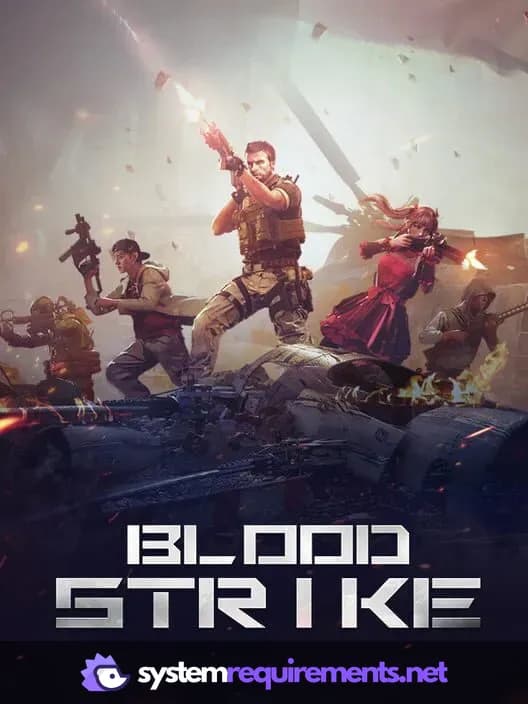
Blood Strike Game Info
Developer
Wizard Games
Publisher
Xcloudgame
Release Date
November 15, 2013
Platforms
Web browser, Android, PC (Microsoft Windows), iOS
Genres
Shooter
Game Modes
- Multiplayer
- Co-operative
- Massively Multiplayer Online (MMO)
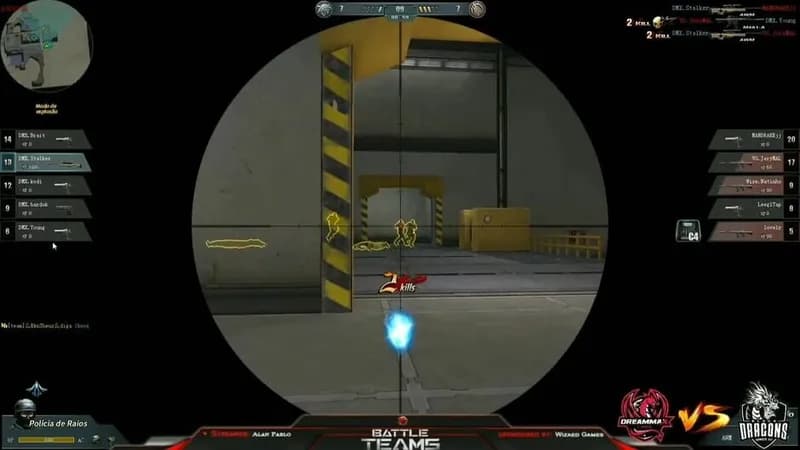
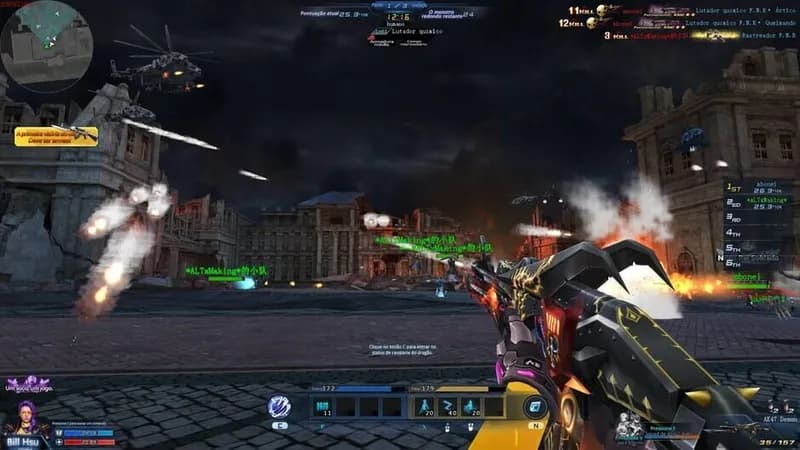
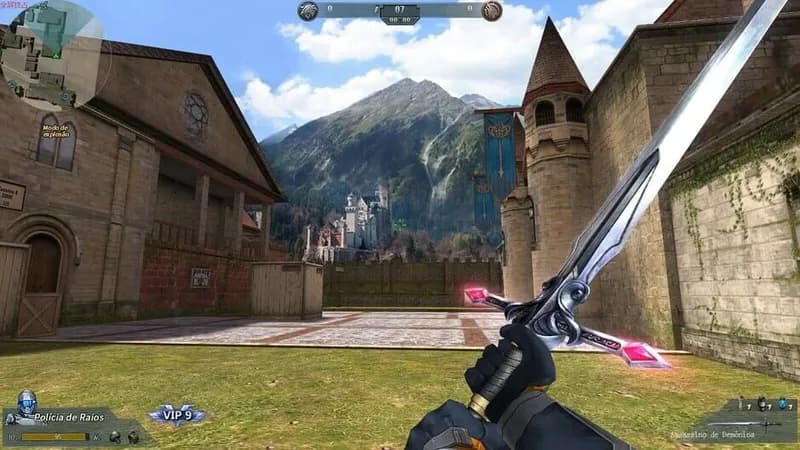
Blood Strike Screenshots



Optimize Your PC for Blood Strike
Use our free tools to analyze and improve your gaming performance