
All Games
ROUTINE System Requirements
January 14, 2012
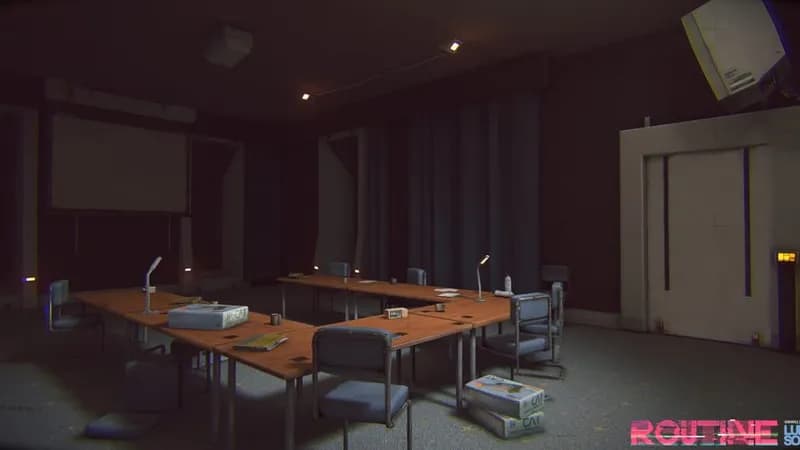
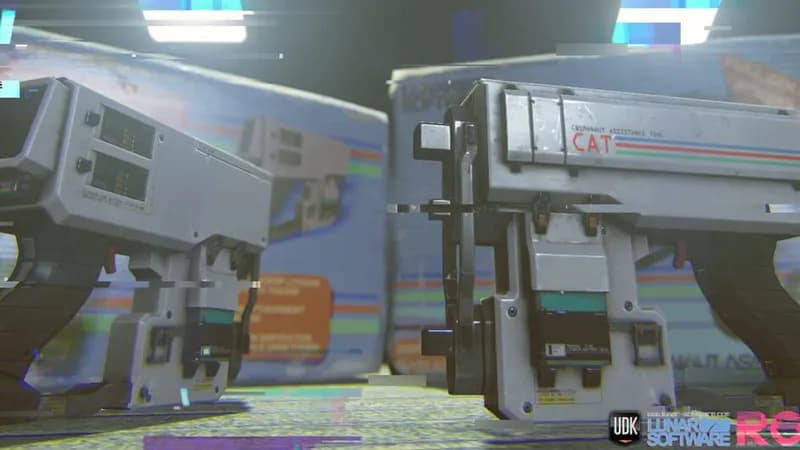
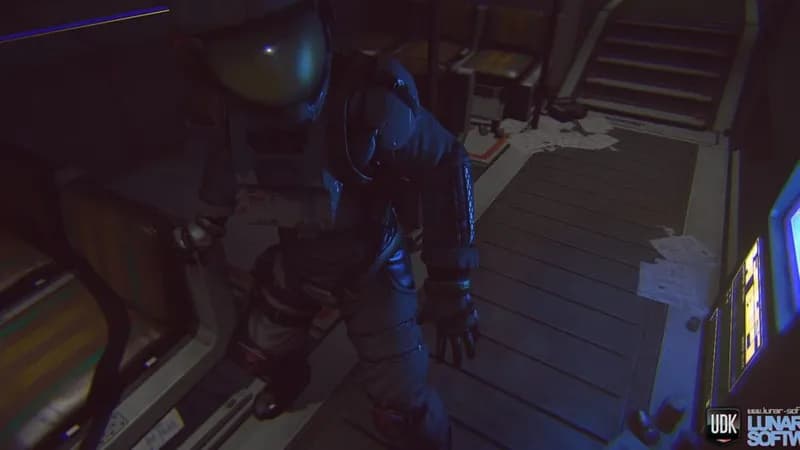
ROUTINE unfolds within a cityscape meticulously crafted by the map designer behind Doom II's Planisphere. Expect intricate level design from this familiar creator in a chilling new environment.
ROUTINE Minimum & Recommended Specs
Minimum: Intel Core i5-8400, NVIDIA GeForce GTX, 8 GB RAM. Recommended: 16 GB RAM RAM.
Minimum System Requirements
Recommended System Requirements
Quick Performance Tips for ROUTINE
#1
Lower your resolution for a quick FPS boost.
#2
Disable or lower shadow quality.
#3
Reduce the view distance setting.
#4
Close unnecessary background applications.
ROUTINE System Requirements FAQ
Can I run ROUTINE on a low-end PC?
To play ROUTINE, your PC needs at least an Intel Core i5-8400 or AMD Ryzen 5 2600 CPU, an NVIDIA GeForce GTX 960 (4 GB) or AMD Radeon R9 380 (4 GB) GPU, and 8 GB of RAM. If your system is below these specs, you may experience performance issues or be unable to run the game.
What GPU do I need for ROUTINE?
For minimum settings, you'll need at least an NVIDIA GeForce GTX 960 (4 GB) or AMD Radeon R9 380 (4 GB). For recommended settings, aim for an NVIDIA GeForce GTX 1660 Super (6 GB) or AMD Radeon RX 5600 XT (6 GB).
How much RAM does ROUTINE need?
ROUTINE requires a minimum of 8 GB of RAM to run. For the best experience and smoother gameplay, 16 GB of RAM is recommended.
Will ROUTINE run on integrated graphics?
While it's *possible* ROUTINE might launch with integrated graphics, it's highly unlikely to run well. The minimum GPU requirements (GTX 960 or R9 380) are significantly more powerful than most integrated solutions. Expect very low frame rates and visual quality.
What is the best graphics settings for ROUTINE?
The best graphics settings depend on your hardware. Start with the 'Medium' preset and adjust from there. If you have a system meeting the recommended specs, you can likely run on 'High' or even experiment with 'Ultra'. If your system is closer to the minimum specs, try 'Low' or 'Very Low' settings and lower the resolution.

ROUTINE Game Info
Release Date
January 14, 2012
Platforms
PC (Microsoft Windows)
Genres
Shooter
ROUTINE Screenshots





Optimize Your PC for ROUTINE
Use our free tools to analyze and improve your gaming performance