
Guide
Common Buying Mistakes
Avoiding common buying mistakes can save you money and ensure your gaming PC delivers the performance you expect. Learn the most frequent errors and how to make smarter decisions.
Updated 2026-07-05
Understanding Common Buying Mistakes for Gaming PCs
Building or upgrading a gaming PC is a significant investment, both in terms of money and time. Unfortunately, many buyers fall into the same traps that lead to regret, wasted funds, or underwhelming performance. Recognizing these common buying mistakes is the first step to making smarter purchasing decisions and getting the most value for your setup.
Many buyers focus solely on headline specs like CPU speed or GPU power, but overlook key considerations such as power consumption, compatibility, and future-proofing. Others are swayed by marketing hype, or they underestimate the importance of balancing components for optimal performance and efficiency. These errors can lead to bottlenecks, excess electricity costs, or even hardware failures.
The Gaming PC Electricity Calculator is an invaluable tool to help you estimate the true cost of ownership. By understanding how much power your chosen components consume and what it costs to run them, you can avoid overspending on electricity or selecting incompatible parts. This guide will break down the most common buying mistakes, show you how to spot them, and offer practical steps to ensure your next purchase is a smart one.
In-Depth: The Most Frequent Gaming PC Buying Errors
One of the most prevalent mistakes is underestimating the total power requirements of your gaming system. Buyers often pick a power supply unit based only on the wattage listed on their graphics card, neglecting to account for the CPU, motherboard, storage, and possible upgrades. This can result in system instability or unexpected shutdowns, especially during demanding gaming sessions.
Another frequent error is over-investing in a single component while neglecting others. For example, purchasing a high-end GPU but pairing it with a weak processor can create a bottleneck, limiting overall performance. Similarly, choosing flashy RGB components or oversized cases may look impressive, but can unnecessarily inflate the total build cost without adding meaningful value.
Ignoring the long-term cost of electricity is another oversight. Many buyers forget to factor in the ongoing power consumption of their system, which can lead to higher utility bills, especially with energy-intensive GPUs and CPUs. The Gaming PC Electricity Calculator can help you forecast these expenses before you commit to a purchase, ensuring you stay within your budget not just at checkout, but every month thereafter.
Lastly, buyers sometimes skip research on compatibility and upgradability. This can lead to issues like unsupported RAM speeds, lack of PCIe slots for future expansion, or even the inability to fit components within the chosen case. Taking a holistic approach and using the right tools will safeguard you from these common pitfalls.
Step-by-step
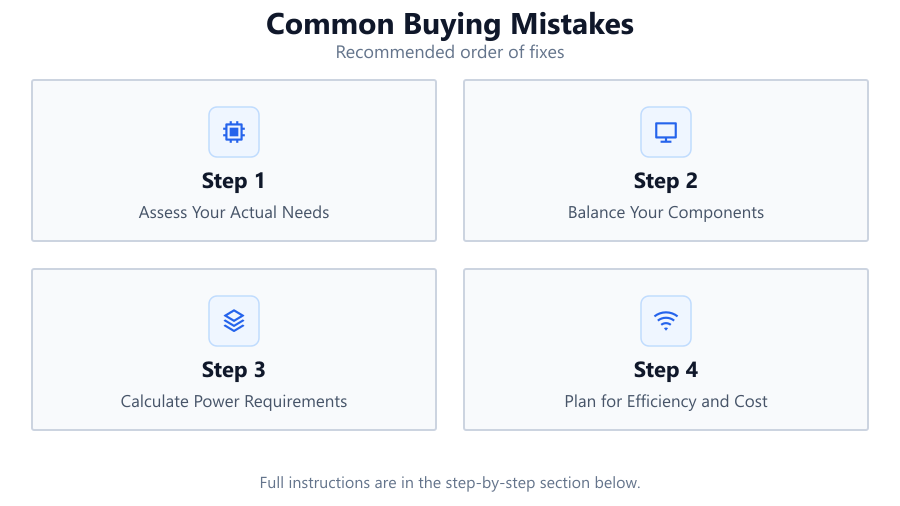
Assess Your Actual Needs
Before buying, define what games and workloads you'll be running. Consider required frame rates, resolutions, and multitasking needs. This will guide component selection and prevent overspending on unnecessary features.
Balance Your Components
Ensure your CPU, GPU, RAM, and storage are well-matched. Avoid pairing a top-tier graphics card with an entry-level processor or vice versa, as this creates bottlenecks and wastes money.
Calculate Power Requirements
Use the Gaming PC Electricity Calculator to estimate your system's total power draw. Select a quality power supply with enough wattage and headroom for future upgrades. Do not rely solely on component labels.
Plan for Efficiency and Cost
Consider the long-term electricity costs of running your gaming PC. Energy-efficient components may cost more upfront but save money in the long run. Use the Gaming PC Electricity Calculator to compare options.
Double-Check Compatibility
Verify that all selected components are compatible with each other. Check motherboard socket types, RAM speeds, case dimensions, and available slots before finalizing your purchase.
Comparison
| Mistake | Impact | Prevention |
|---|---|---|
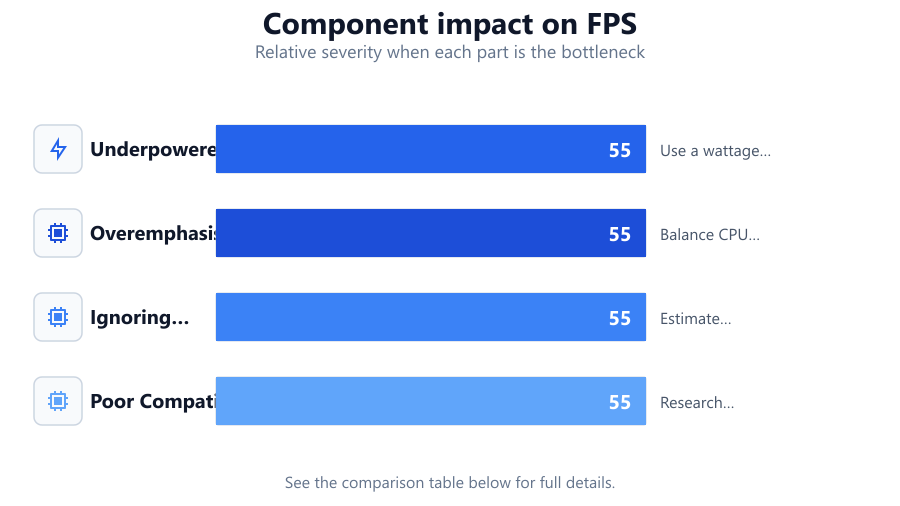
| Underpowered PSU | System instability, crashes | Use a wattage calculator before buying |
| Overemphasis on GPU | CPU bottleneck, wasted money | Balance CPU and GPU choices |
| Ignoring Power Costs | High electricity bills | Estimate with electricity calculator |
| Poor Compatibility | Build fails or limited upgrades | Research specs and dimensions |
Common mistakes
Mistake
Choosing components based only on brand or hype
Fix: Focus on objective benchmarks and compatibility instead of marketing or trends.
Mistake
Neglecting to calculate total power consumption
Fix: Always use the Gaming PC Electricity Calculator to determine your real power needs.
Mistake
Ignoring upgradability and future-proofing
Fix: Select a motherboard and PSU that allow for future expansion and support new standards.
Troubleshooting
System randomly shuts down during games
Likely cause: Insufficient power supply or overheating
What to do: Check your total system wattage with a calculator and upgrade to a higher-rated PSU if needed. Improve cooling if necessary.
Performance lower than expected in games
Likely cause: CPU or RAM bottleneck
What to do: Ensure your CPU and memory are adequate for your GPU. Upgrade if mismatched.
High electricity bills after upgrading PC
Likely cause: Components draw more power than anticipated
What to do: Reassess component choices with the Gaming PC Electricity Calculator and consider energy-efficient alternatives.
Recommendations
- Use the Gaming PC Electricity Calculator before purchasing to avoid costly mistakes.
- Balance your component choices to prevent bottlenecks and maximize performance.
- Research compatibility and upgradability for each part of your build.
- Plan for both upfront and ongoing electricity costs to stay within your budget.
Frequently asked questions
How do I know if my power supply is sufficient for my gaming PC?
Use a reliable calculator like the Gaming PC Electricity Calculator to estimate your system's total wattage, then select a PSU with at least 20 percent headroom.
Why is balancing CPU and GPU important?
An unbalanced system causes bottlenecks, where one component limits the performance of another, wasting money and reducing gaming performance.
How can I minimize electricity costs while gaming?
Choose energy-efficient components and use the Gaming PC Electricity Calculator to estimate ongoing costs before buying.
What are the main compatibility issues to watch for?
Common issues include CPU socket mismatch, unsupported RAM speeds, insufficient PSU wattage, and case size limitations. Always verify specs for all components.